Tools
Tommy Geoco
Generative media workflows in UI design
In this post
I’m giving away over $17K in the best design courses to 23 people.
I’m announcing the winners in 7 days.
I asked my favorite designers if they’d donate to this giveaway. Huge thank you to everyone who contributed to our design community.
Anyone can enter and the rules are simple.
Share a social media post celebrating a designer you admire OR
Share a social media post about episode 2 of This is Taste
Here are the courses we’re giving away:
3x seats of Shift Nudge ($6000)
2x seats of Animations on the Web ($400)
2x seats of Devouring Details ($500)
2x seats of Level Up with Figma ($1600)
5x seats of Ultimate Framer Course ($1500)
1x seat of Web Career Ignite ($3500)
3x seats of Making UX Decisions ($1200)
1x seat of Influence & Lead as an Individual Contributor ($800)
2x seats of Product Strategy for Designers ($1000)
2x seats of DesignerUp ($1000)
I laugh at how cool this list became, because I had this idea last Sunday and it grew into something special.
– Tommy (@designertom)
Generative Media in Software
I regularly encourage designers to play with the tools… but I have a confession to make:
Generative image and video hasn’t been a huge part of my playground.
But Google’s recent Nano Banana Pro 3 release is proving useful in ways generative image tools haven’t been.
In fact, there have been some great shares on how to use Nano Banana with MidJourney or “contact sheet prompting” to produce highly customizable outputs.
Even before the Gemini 3 update, generative AI has significantly improved time-to-iteration. If there’s one thing we can all agree on, it’s generative AI’s ability to produce a lot, quickly.
In film, it’s called “garbage collecting”; capture as much footage as you can, then whittle it down in post-production.
But in design, this introduces a need to zoom in and out of those collections at various altitudes.
And as I thought about this new reality, I had two questions:
How are people actually using generative media tools in software design?
What UI patterns support these creative workflows?
TOGETHER WITH FLORA
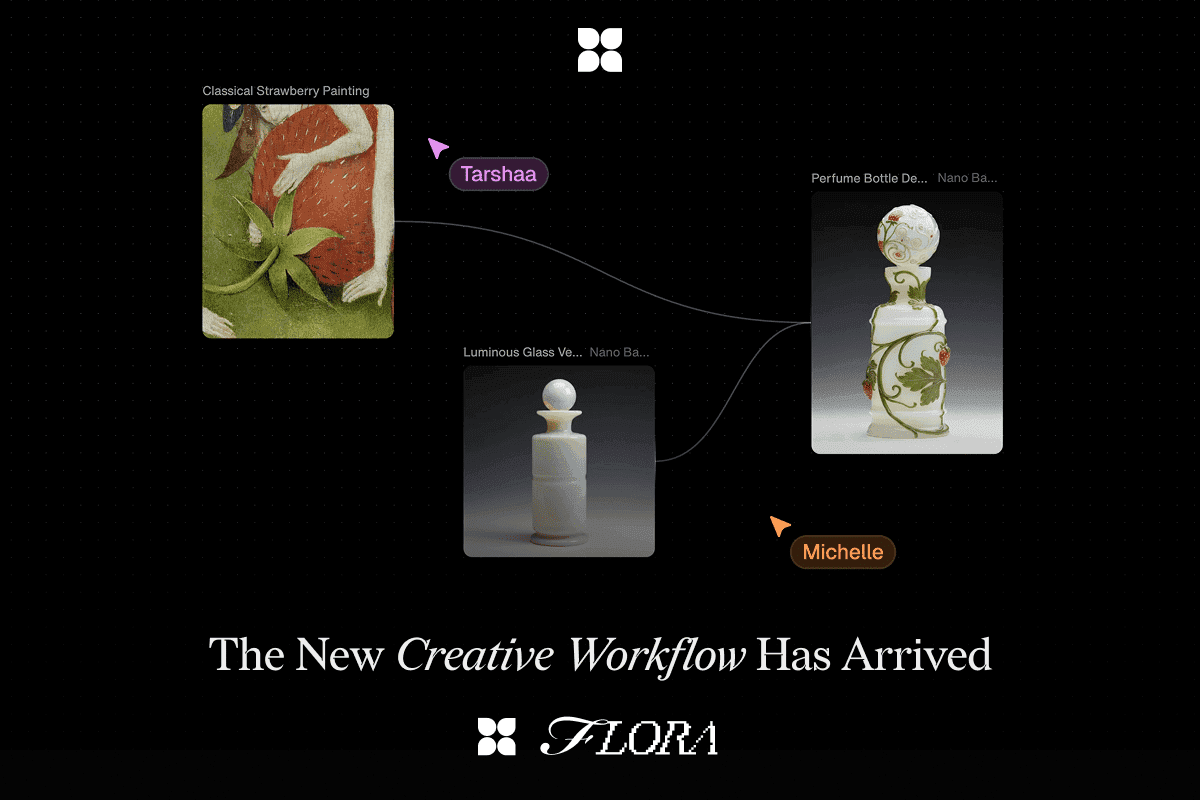
Introducing the new creative workflow (and they are on to something).
FLORA helps product designers move faster from ideas to polished concepts in one visual workspace. Its node-based, infinite canvas mirrors how designers already think in flows and systems.
Centralizes text, image, and video generation—no tool-hopping
Automates repetitive tasks like variations, resizing, and asset updates
Real-time collaboration keeps PMs, marketers, and engineers aligned
Reusable workflows and templates standardize patterns across products
Get 50% off your first month of FLORA's Agency Standard tier (monthly option only)
Discount Code: uxtools
Node-based Interfaces
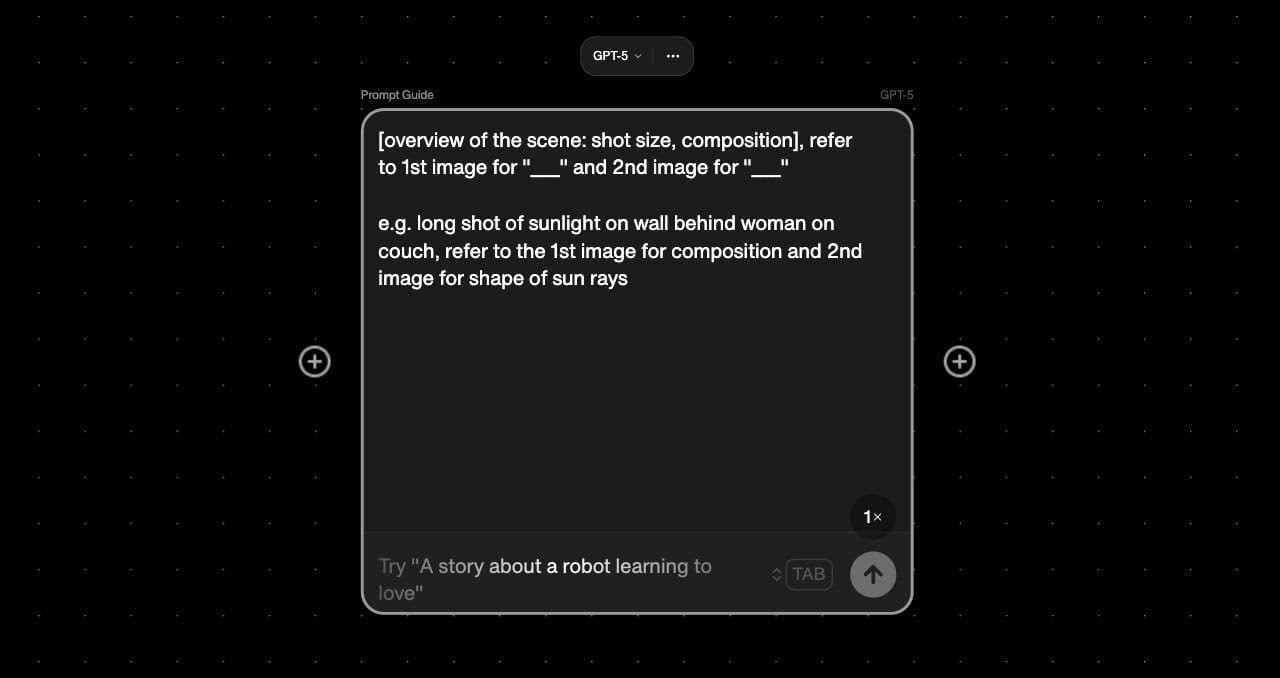
Node-based UIs are not new.
We’ve seen these patterns before the AI boom in tools like Unreal Engine and TouchDesigner.
But they’re quickly becoming the paradigm for exploring and evolving generative iterations.
Figma seems to think so too, after their recent acquisition of Weavy (only 3 months after they launched to GA).
But I first came across this pattern in generative AI when I tried out FLORA.
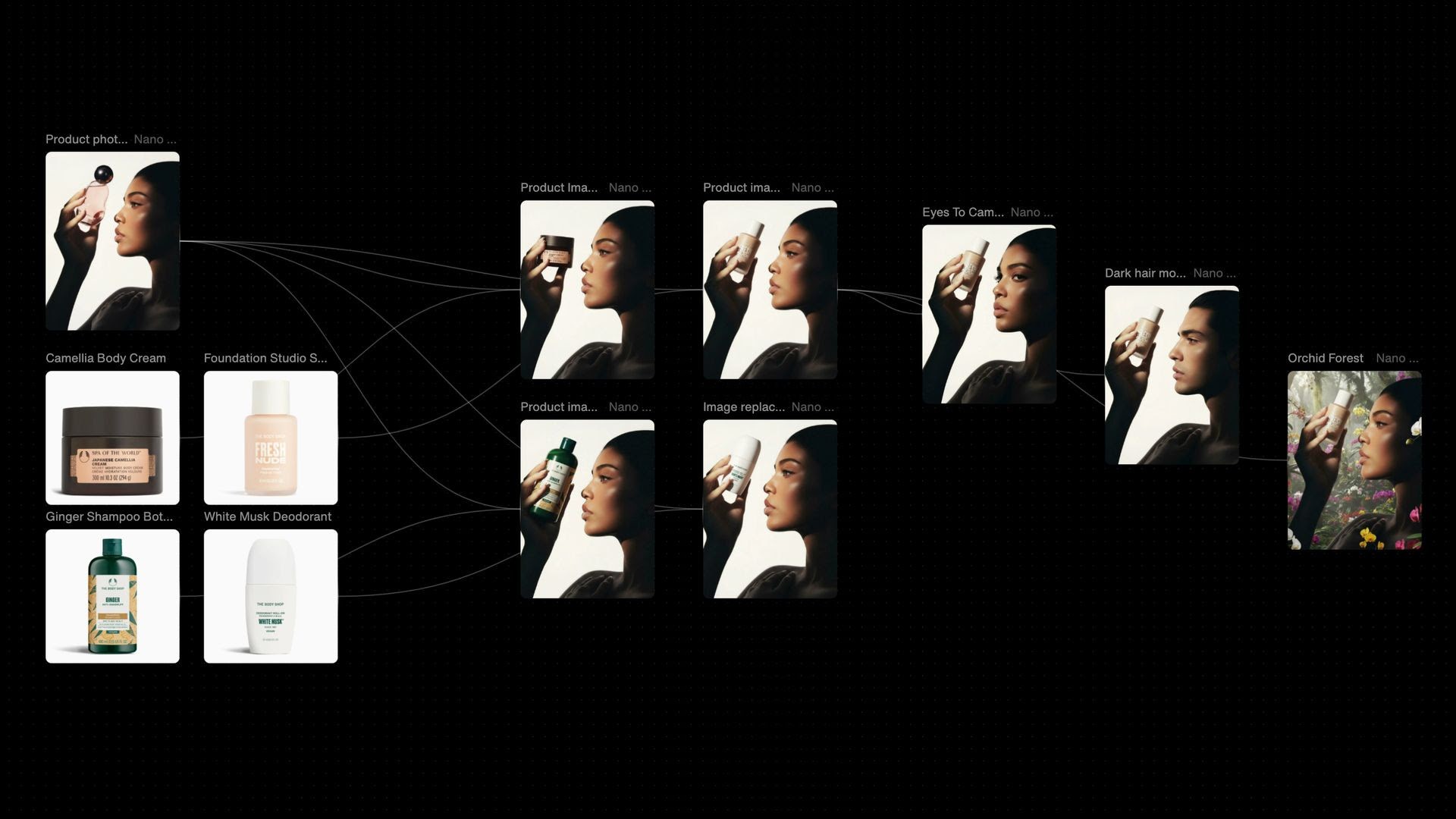
I describe it as a “creative workbench”. It’s the kind of tool you can open up and make an absolute mess of while exploring a lot of generative ideas.

While I was filming in New York, I ran into the co-founder of FLORA whose company shared the same building.
Long story short, he invited me into their Slack, where I’ve spied and scribbled about the software design workflows of their users.
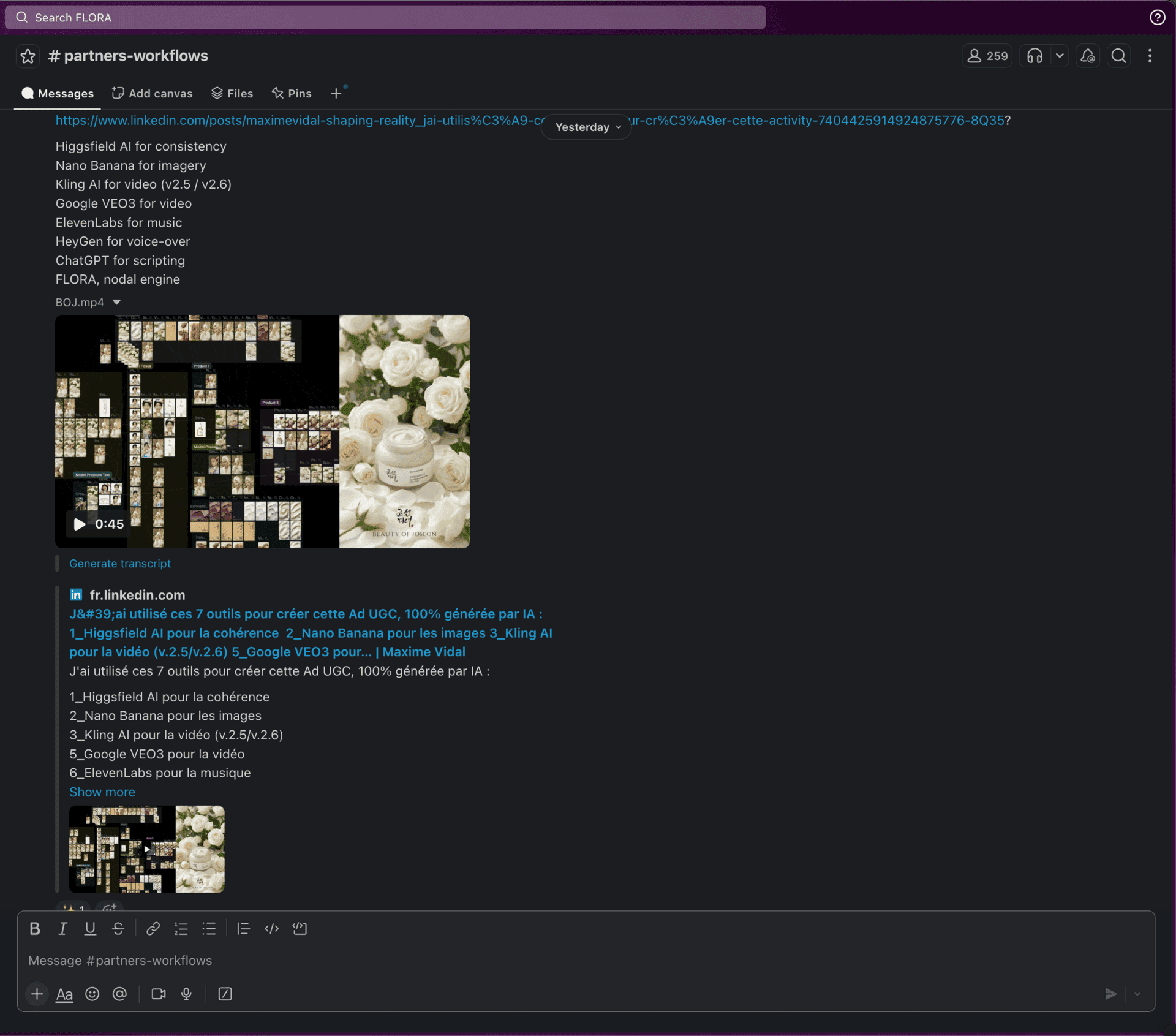
Inside FLORA’s Slack
And with their permission, I’m going to show you some things that changed the way I think about generative media in software design.
Creating IKEA’s UI Component Redesign
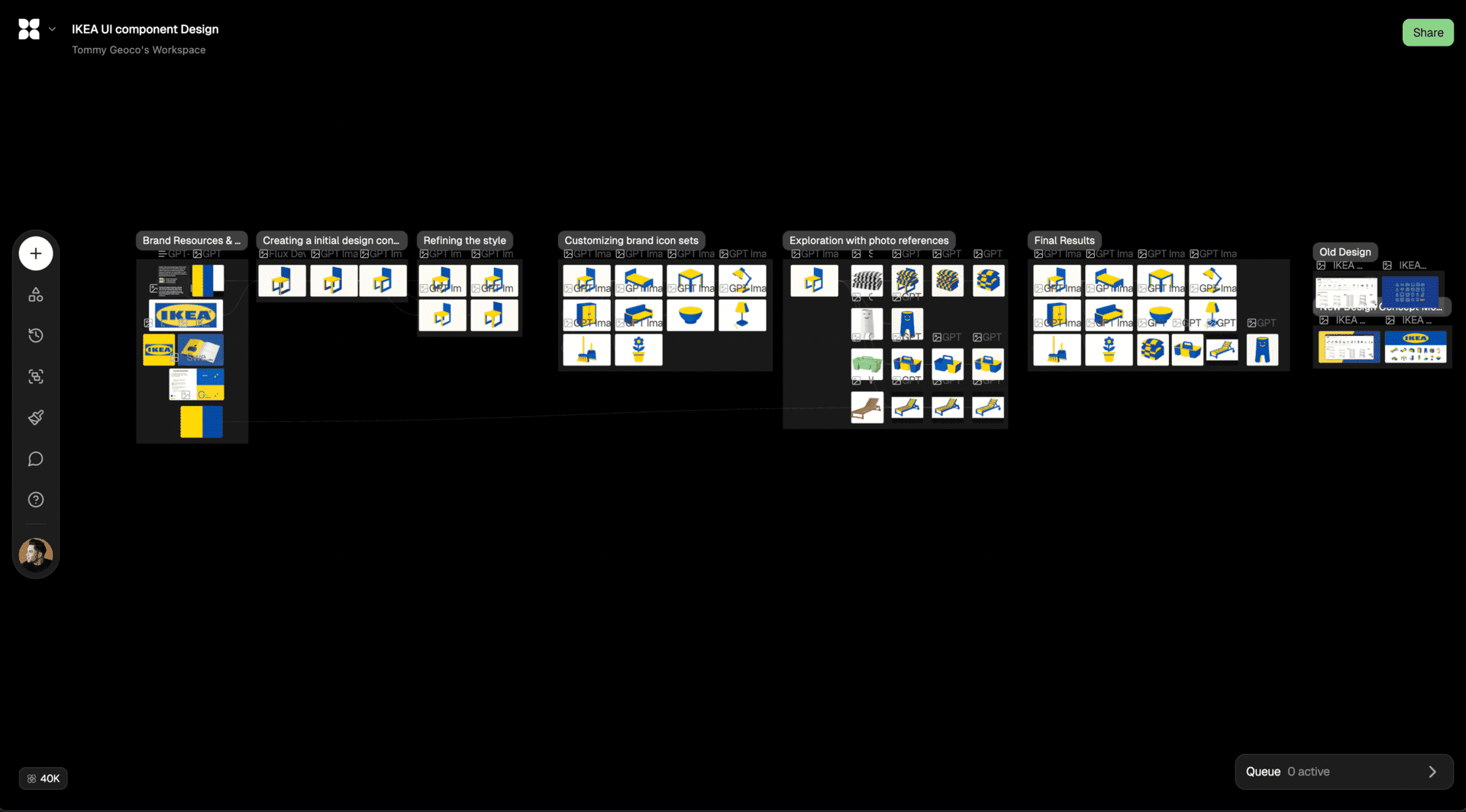
I found this workflow fascinating: rebranding the Ikea page design by making a cohesive set of icons.
Starting prompt:
Create a clean color palette image with 5 vertical color blocks that fill the entire frame. Adjust the width of each block to reflect the proportional presence of that color. (i.e., wider blocks for more dominant colors). Do not include text or borders, or gap between the color blocks.
#FFD200 - Bright Yellow (50%)
#004B87 - Deep Blue (35%)
#FFFFFF - Pure White (10%)
#000000 - Deep Black (5%)
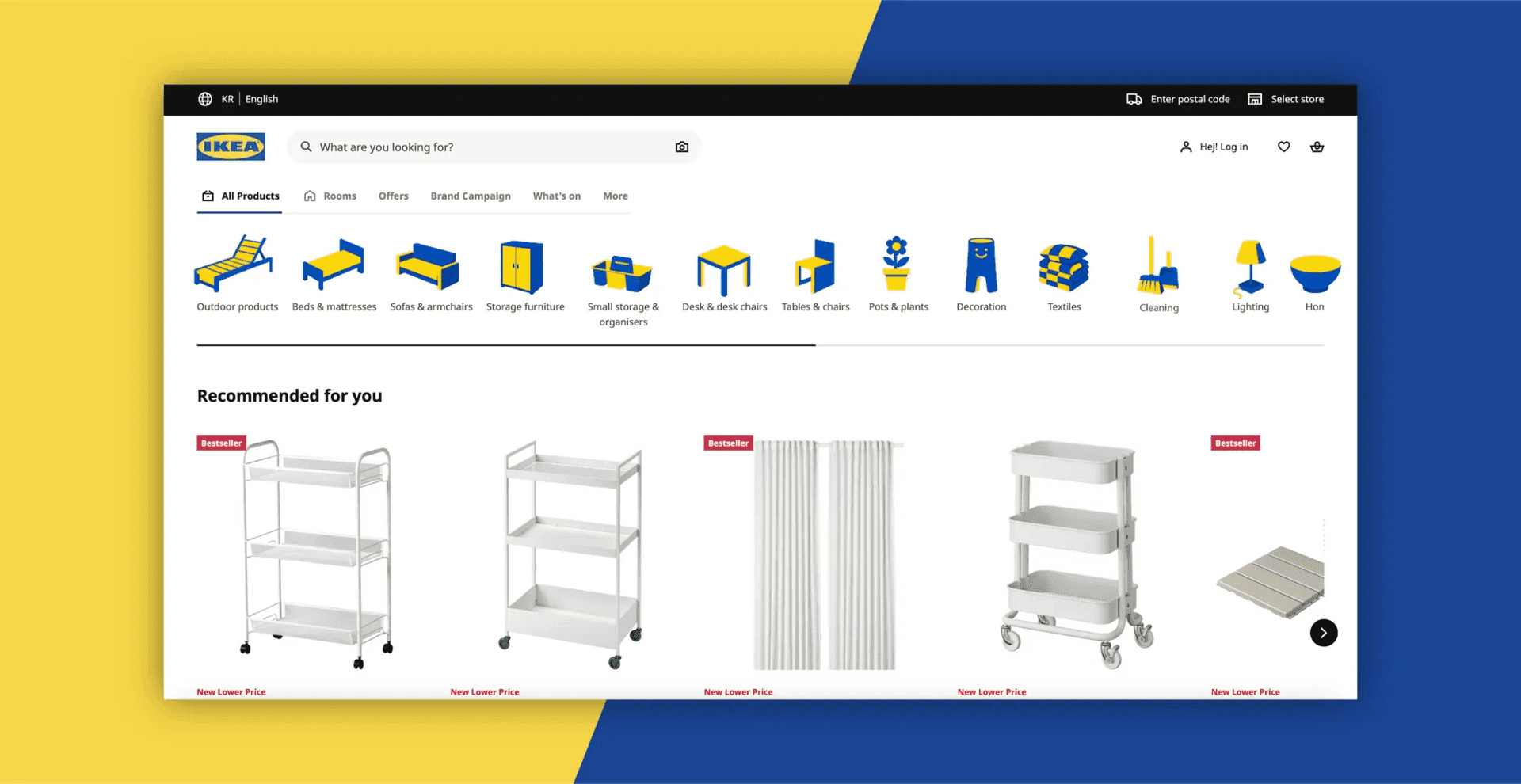
This team took a starting prompt through 6 grouped workflows to come up with a robust set of branded assets used for IKEA’s product navigation.
Creating a Branded Icon Generator
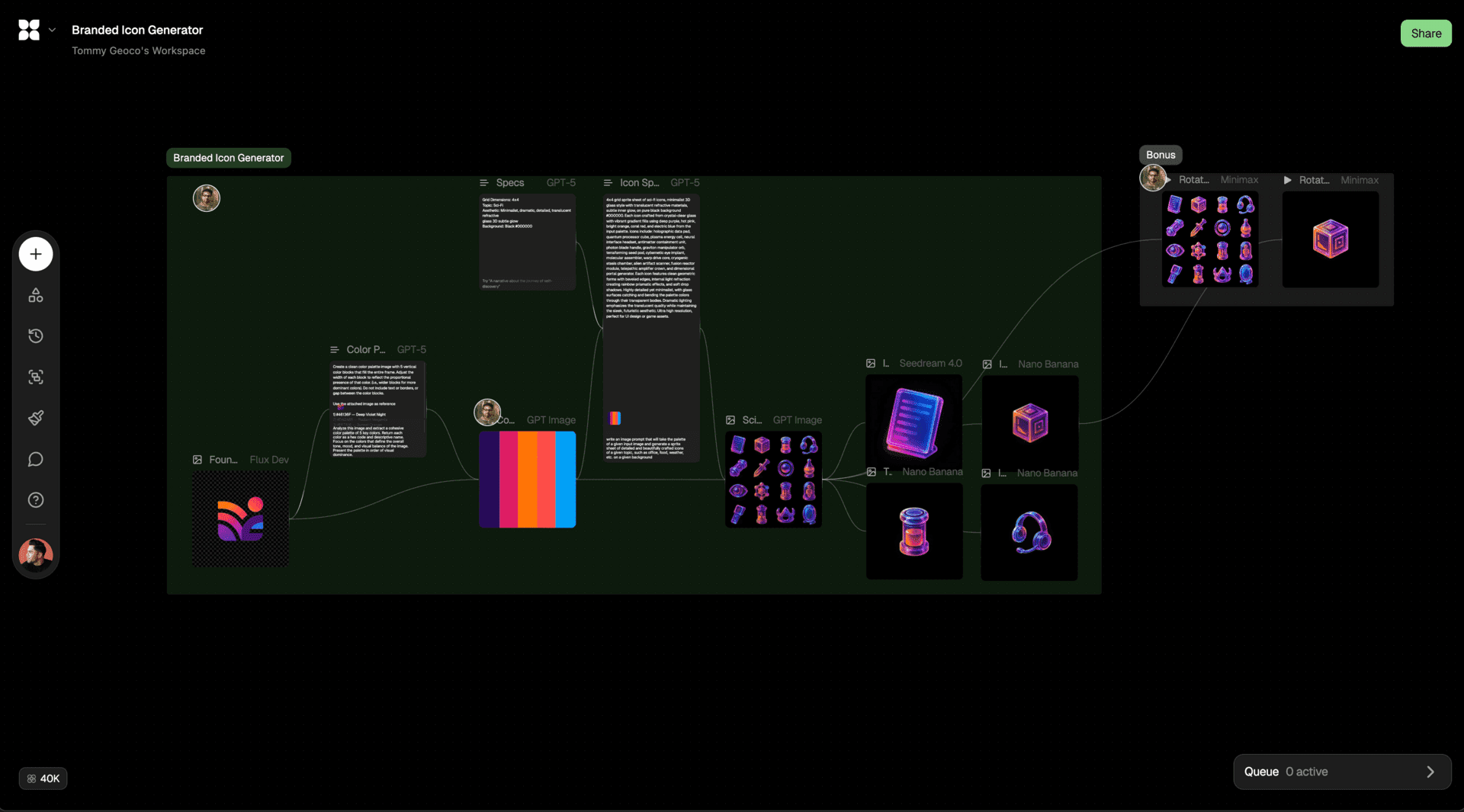
This is one of my favorite workflows. Cstomizable icon generator that takes a brand logo image as starting input.
Icon prompt:
4x4 grid sprite sheet of sci-fi icons, minimalist 3D glass style with translucent refractive materials, subtle inner glow, on pure black background #000000. Each icon crafted from crystal-clear glass with vibrant gradient fills using deep purple, hot pink, bright orange, coral red, and electric blue from the input palette. Icons include: holographic data pad, quantum processor cube, plasma energy cell, neural interface headset, antimatter containment unit, photon blade handle, graviton manipulator orb, terraforming seed pod, cybernetic eye implant, molecular assembler, warp drive core, cryogenic stasis chamber, alien artifact scanner, fusion reactor module, telepathic amplifier crown, and dimensional portal generator. Each icon features clean geometric forms with beveled edges, internal light refraction creating rainbow prismatic effects, and soft drop shadows. Highly detailed yet minimalist, with glass surfaces catching and bending the palette colors through their transparent bodies. Dramatic lighting emphasizes the translucent quality while maintaining the sleek, futuristic aesthetic. Ultra high resolution, perfect for UI design or game assets.
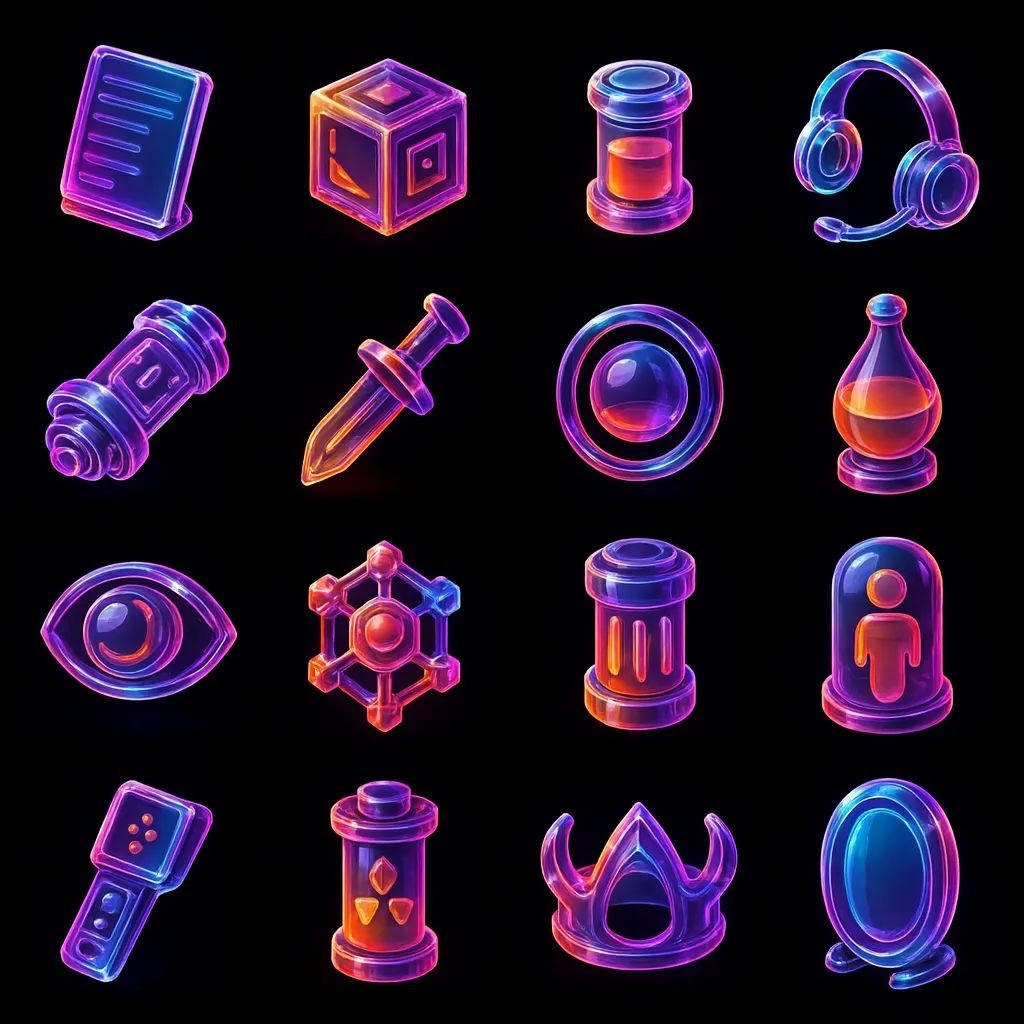
Within a few nodes, this team has a branded icon set that can then be animated, adjusted and exported directly into their designs.
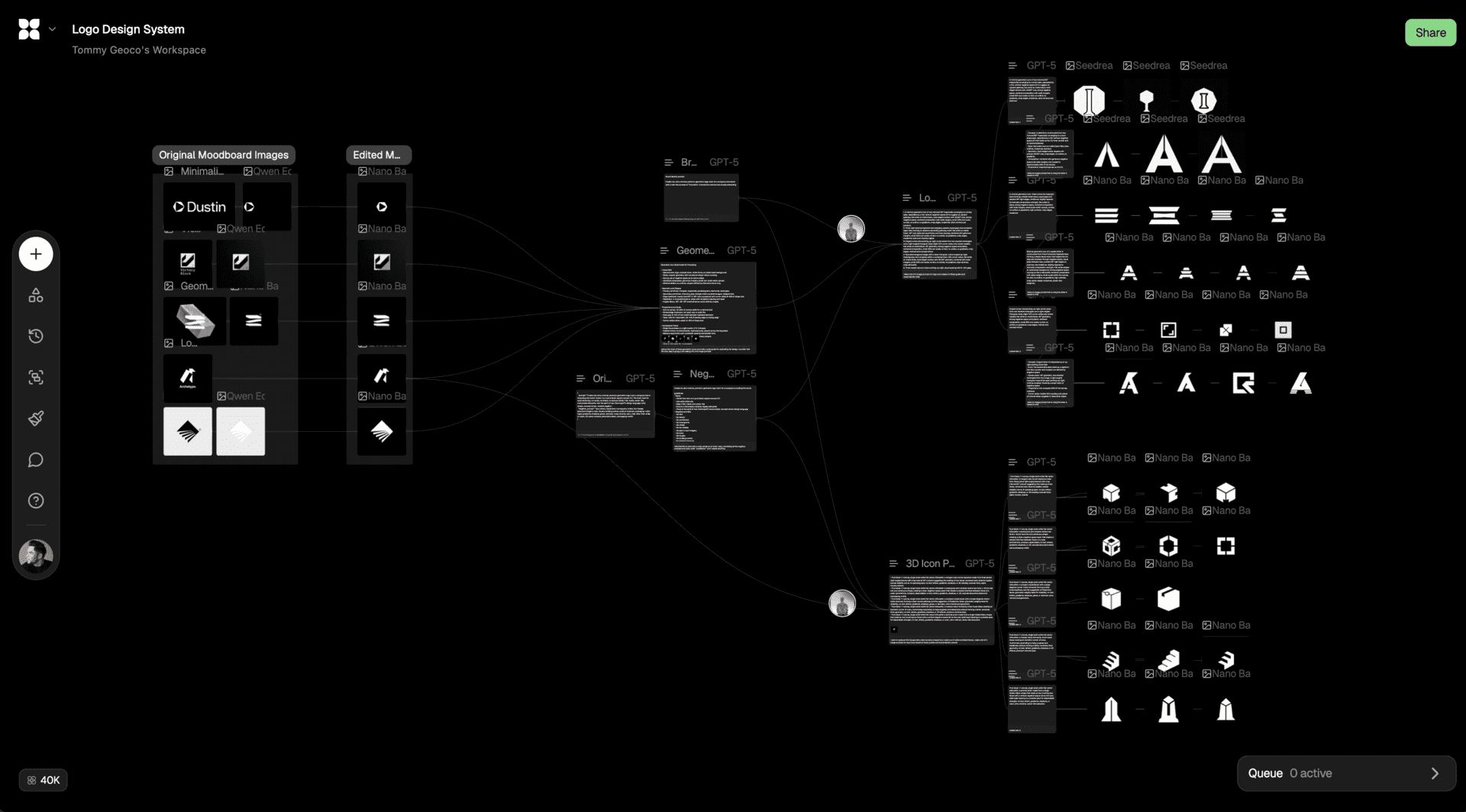
Creating a Logo Design System
This team does a cool job demonstrating how to build prompts from pre-existing references and then using those generative descriptions to generate net new iterations.
Starting prompt:
Create one ultra-minimal, premium geometric logo mark for a company that starts with A with the concept of "Innovation". It should be minimal and visually interesting.
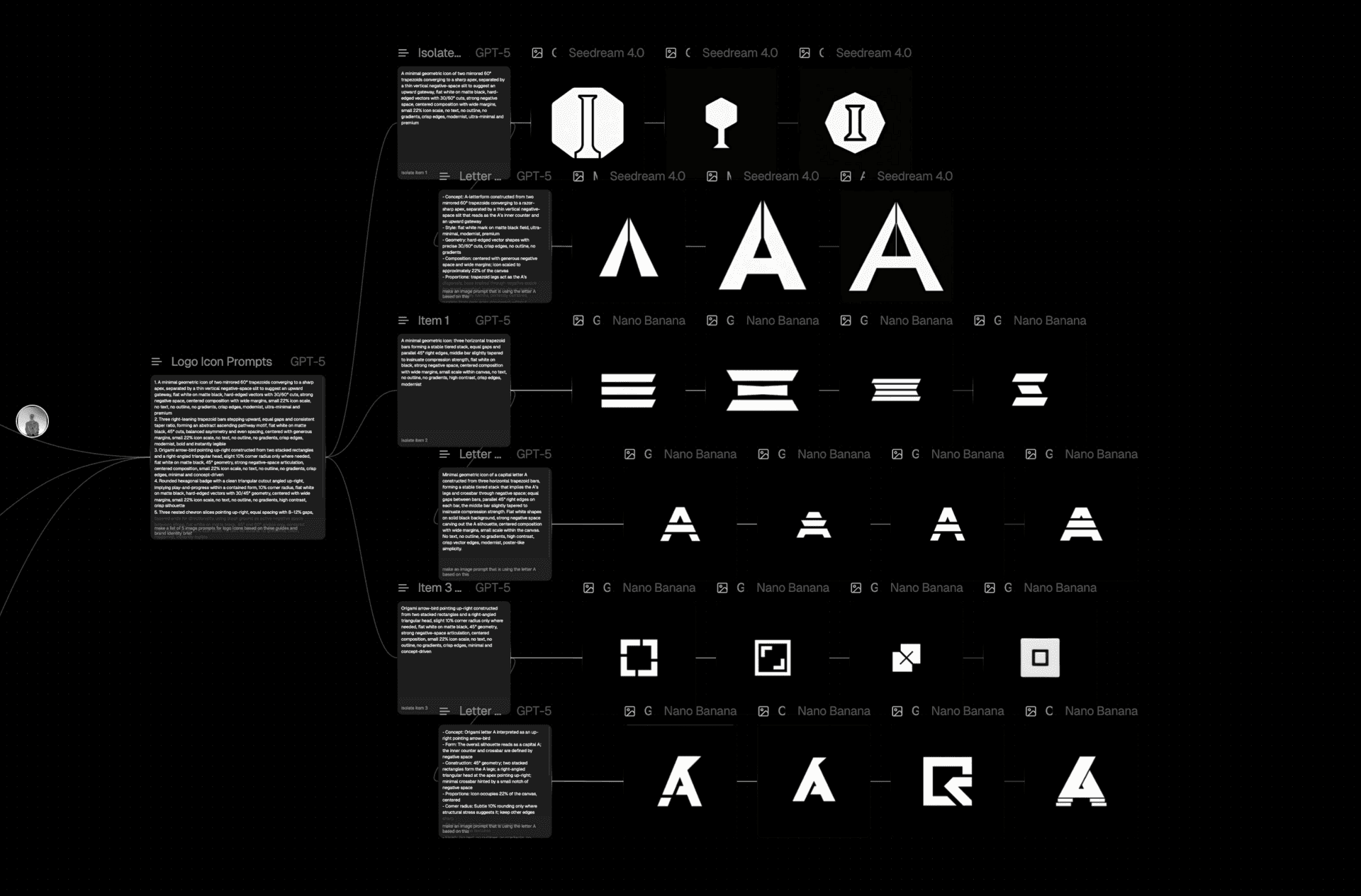
They start by feeding the tool a moodboard. This generates descriptive prompt nodes. Those prompt nodes are then used to build custom prompts and generate new brand identities with the same visual language.
Creating Landing Page Assets
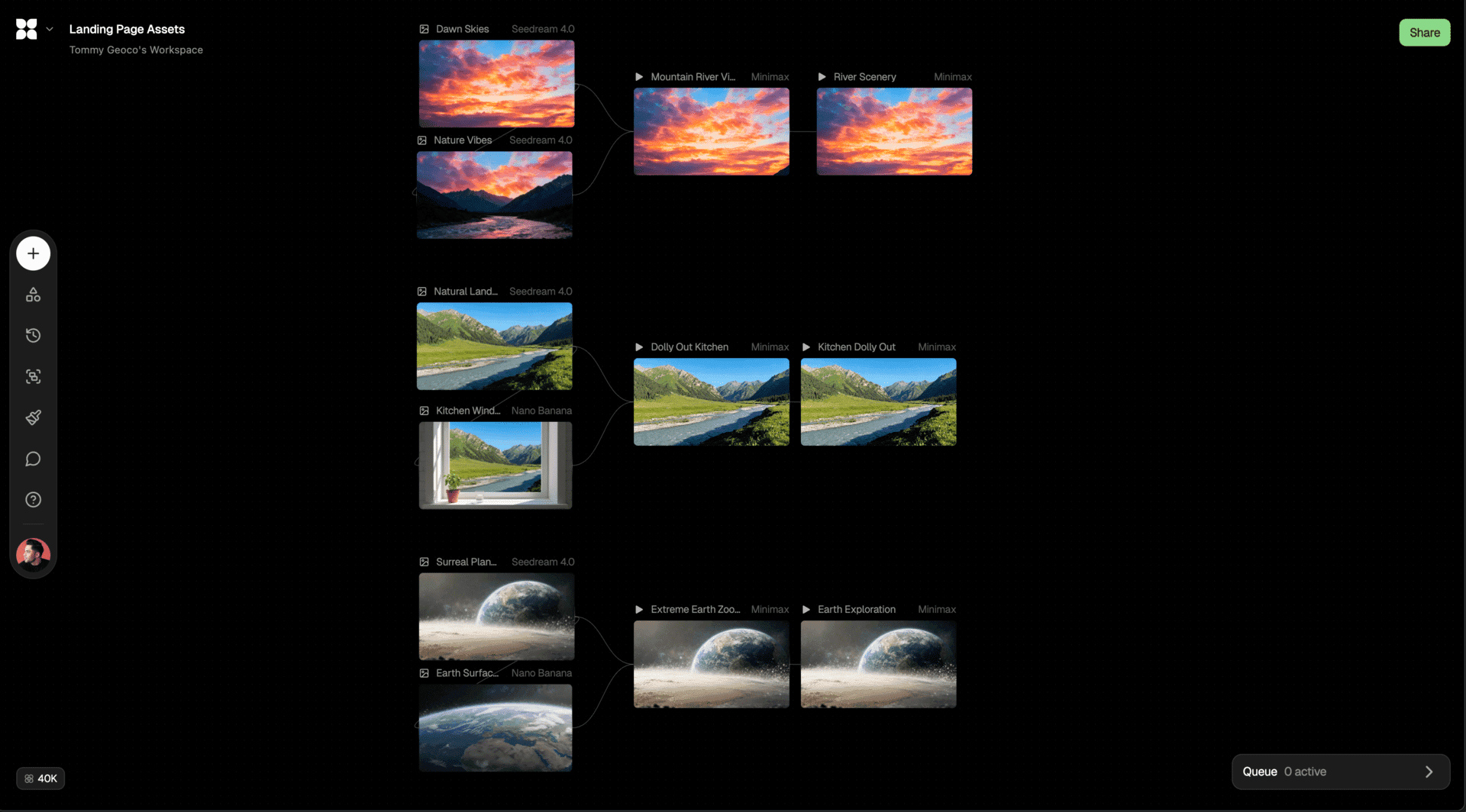
This is the most practical use case, and it’s extended to creating videos with smooth camera movements and aesthetic scenes for landing page assets.
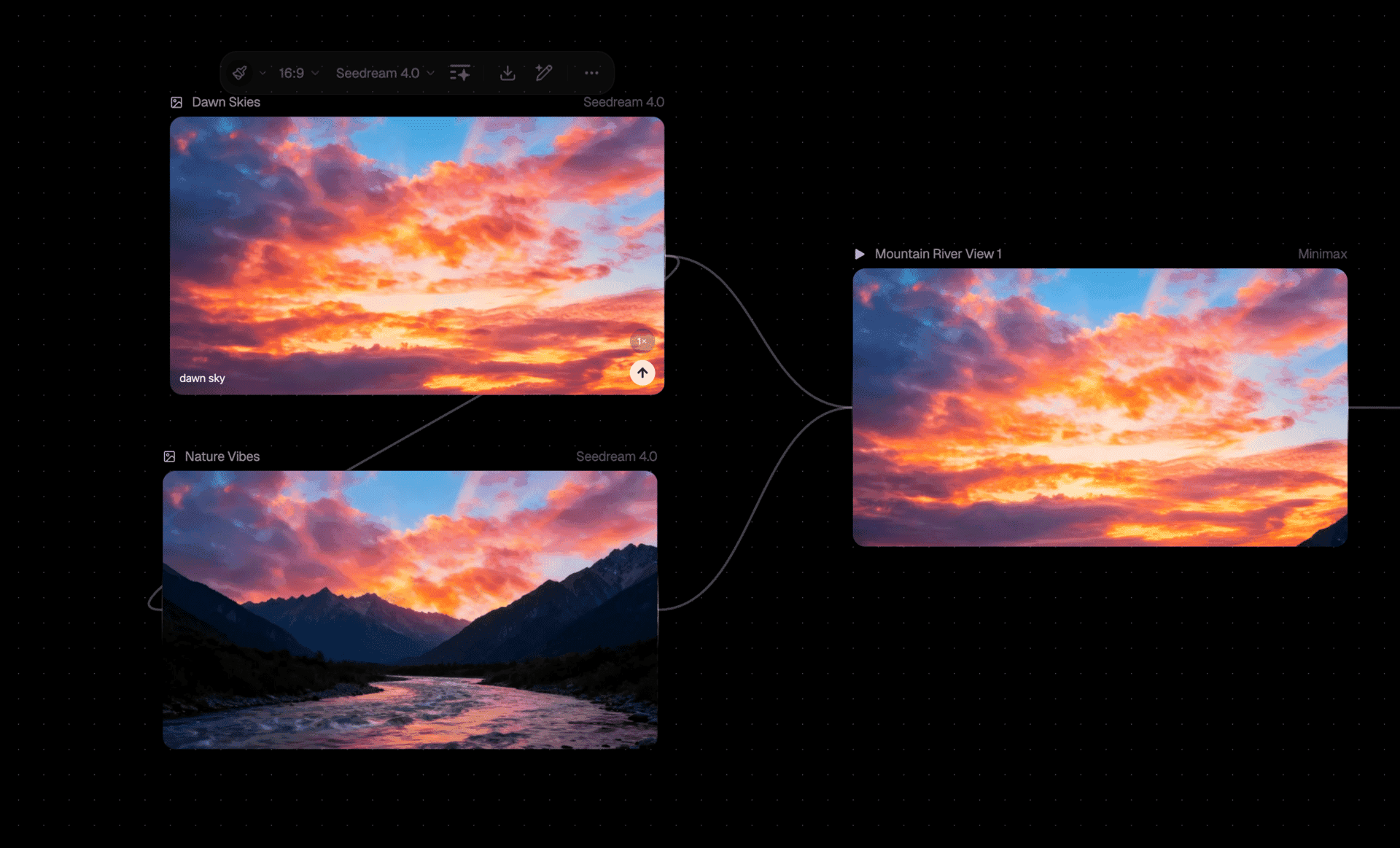
And while prompting is a common part of these creative workflows, this is an example of a workflow entirely made up of pre-built actions you can take on your references.
The Bottom Line
Node-based UIs feel like the way we're going to navigate the generative mess. And it’s because they work so well when you’re spinning up high-volume outputs.
FLORA does this extremely well and it’s a tool I’m continuing to play with going into 2026.
What are you generating?