Tools
Tommy Geoco
Gen image workflows in software design
In this post
Happy Friday.
I just watched an Amazon design lead vibecode a graffiti marker tool, and I think you should see this.
It got me thinking about last fall. I visited the Perplexity design team for 48 hours. I was inspired by how they made room for AI play in their work.
Phi Hoang told me they’d regularly try new tools and just “fuss around and find out”.
The output was just a starting point. The real impressive part came once they started manually working it into a larger concept.
It made me appreciate the new design tools being built around these workflows.
One of which Kyle and I have been exploring lately.
– Tommy (@designertom)
TL;DR
Design teams use AI best as a starting point, not a final output.
Recraft stands out by generating editable SVG vectors, saving cleanup time.
Strong at production-ready assets: icons, illustrations, brand systems.
Custom style training helps maintain visual consistency quickly.
Useful for reviving old assets when source files are lost.
Works best in a handcraft → generate → handcraft workflow.
In The Labs
We’ve been putting Recraft through the Lab. Not a formal evaluation. Just using it on a few experiments and projects we’re working on.
We’ve used a few image gen tools, but Recraft stays in rotation because it outputs vectors. Actual SVGs with editable paths, which are extremely easy to get dynamic with.
It’s a huge quality of life not to have to upscale and trace pixel outputs.
The color controls are good too. You can lock in hex codes or pull a palette from an existing image.
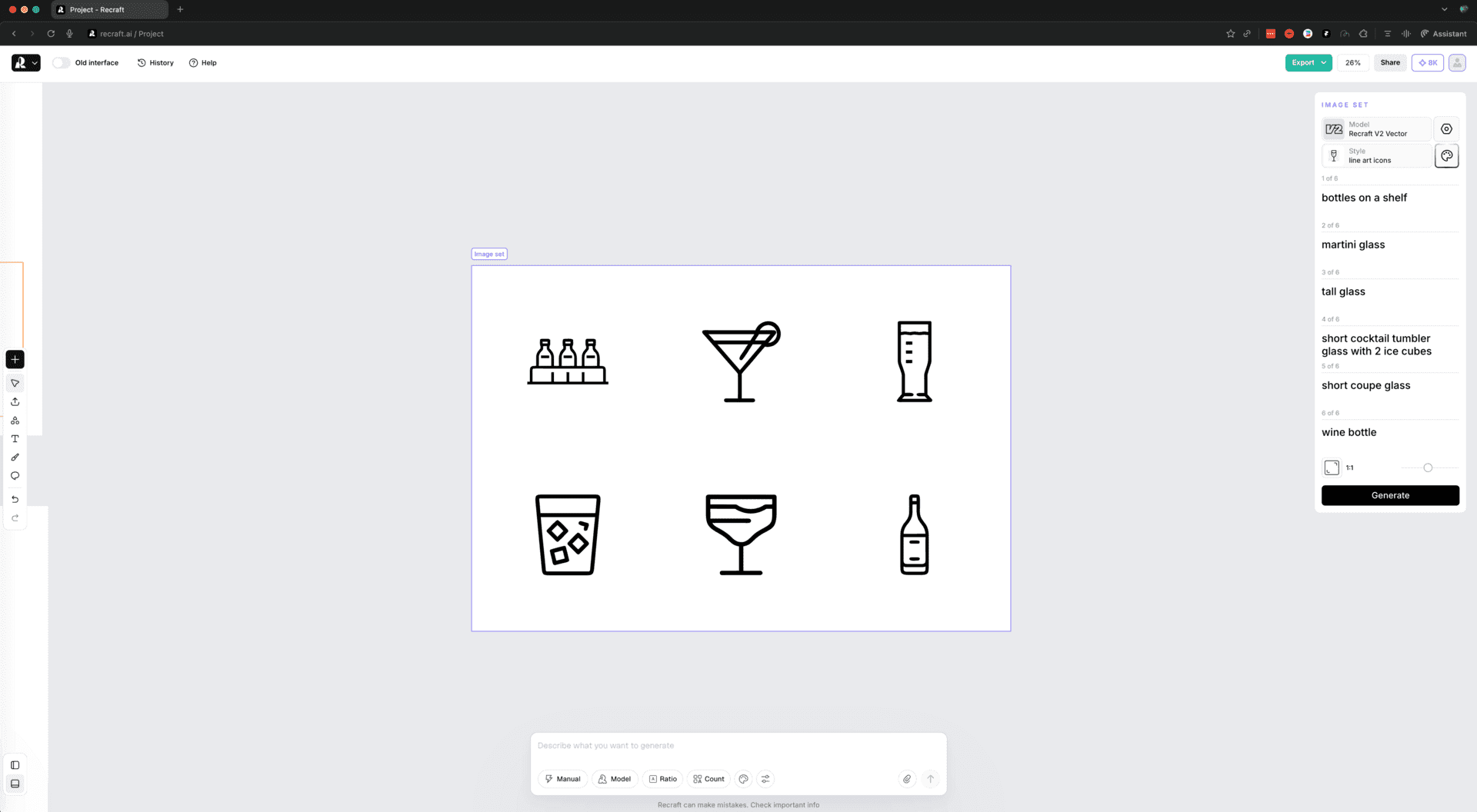
Kyle made a set of icons for a cocktail app he was vibecoding.
The trick was creating a custom style first.
Recraft's defaults skew illustrative (they have their own model alongside other options).
You ask for a minimal icon and get something with too much detail. But once you upload a few reference icons and let it learn that aesthetic, it tunes quickly.
We also vectorized some old badges for 3D printing.
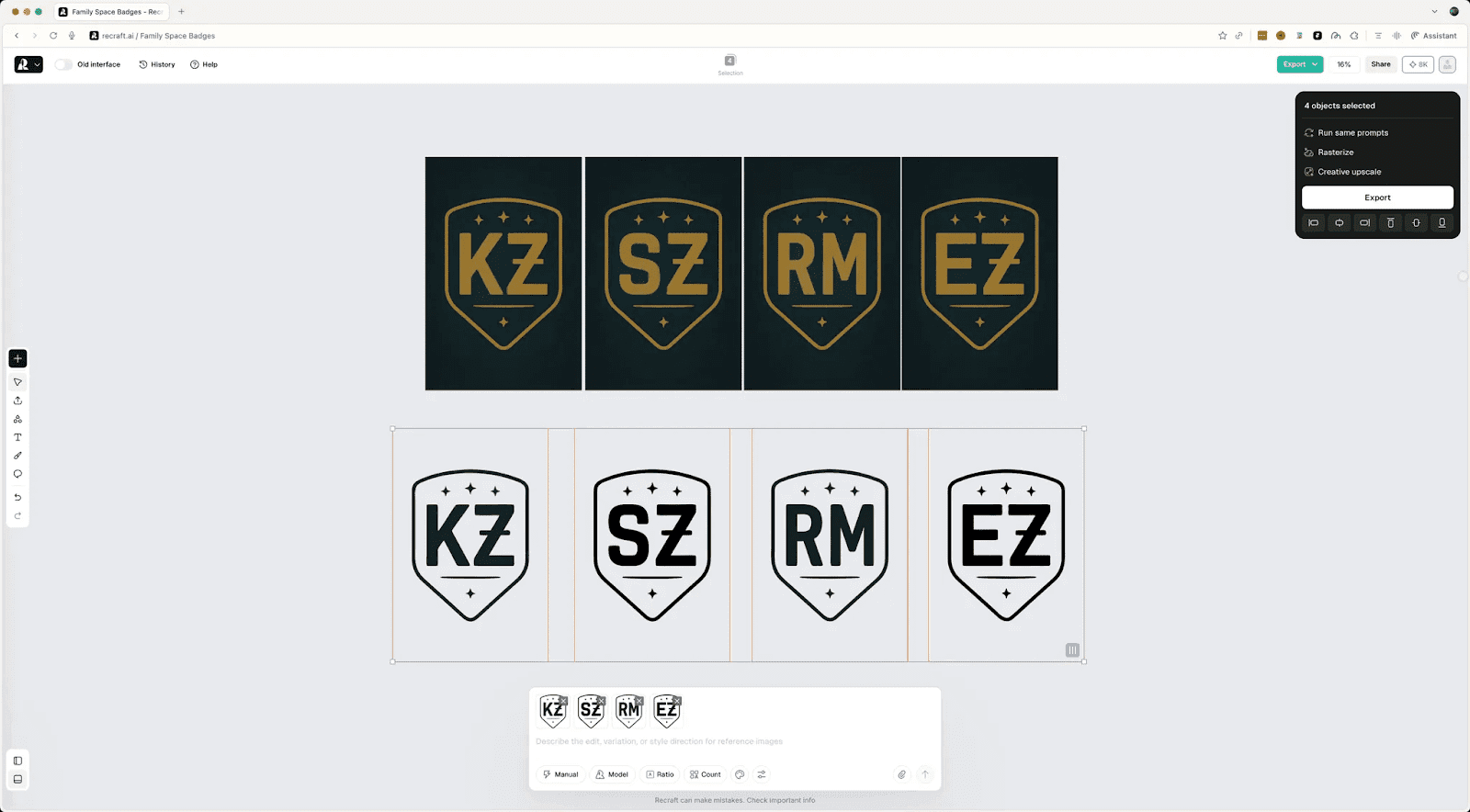
Raster files from a few years back, no source files anymore.
By the way: if you really want to test new tools, dig up your old source files and give them a try.
Kyle uploaded his, converted with Recraft, and we simplified the color palette down to what the printer needed. Especially useful for reviving assets when you've lost the originals.
The custom style thing is underrated.
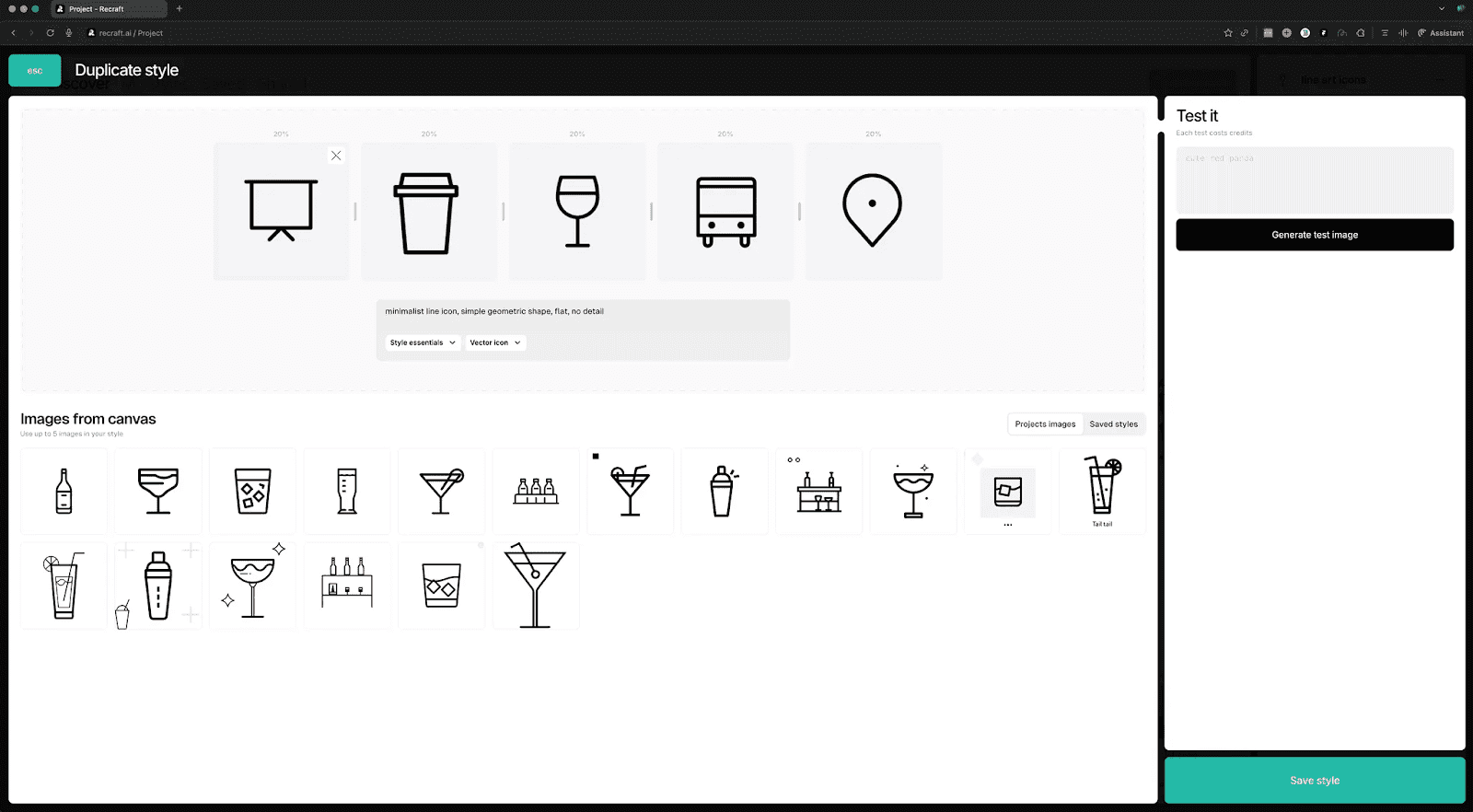
You upload up to five reference images, Recraft extracts the visual language, and then everything you generate matches. And for anything where consistency matters like icon sets, illustration systems, brand assets, it removes a lot of manual cleanup.
One of the faster style in → style out training loops I’ve seen.
For anything where consistency matters (icon sets, illustration systems, brand assets), it removes a lot of manual cleanup. Does a solid job of existing assets too.
TOGETHER WITH RECRAFT
This issue is sponsored by Recraft.
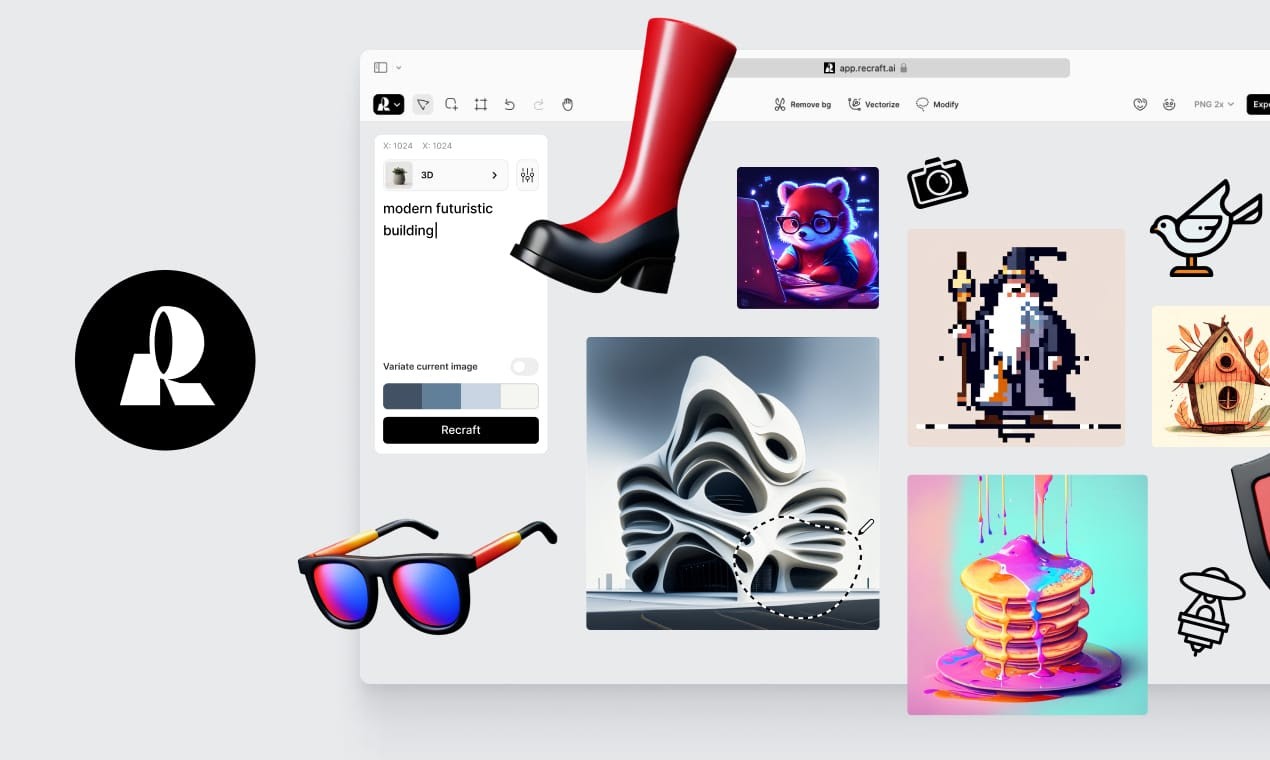
We've been using it in Labs since before the partnership.
Free tier: 30 credits/day.
If you want more control, Pro starts at $12/month and unlocks private projects, commercial usage rights, 4K upscaling, and access to external models like Nano Banana, GPT-4o, and Flux.
That flexibility matters when you want consistent results across a project.
“Toolbending”
We also pushed into some things Recraft isn't explicitly built for. I was curious how far it could go.
We tried a UX storyboard.
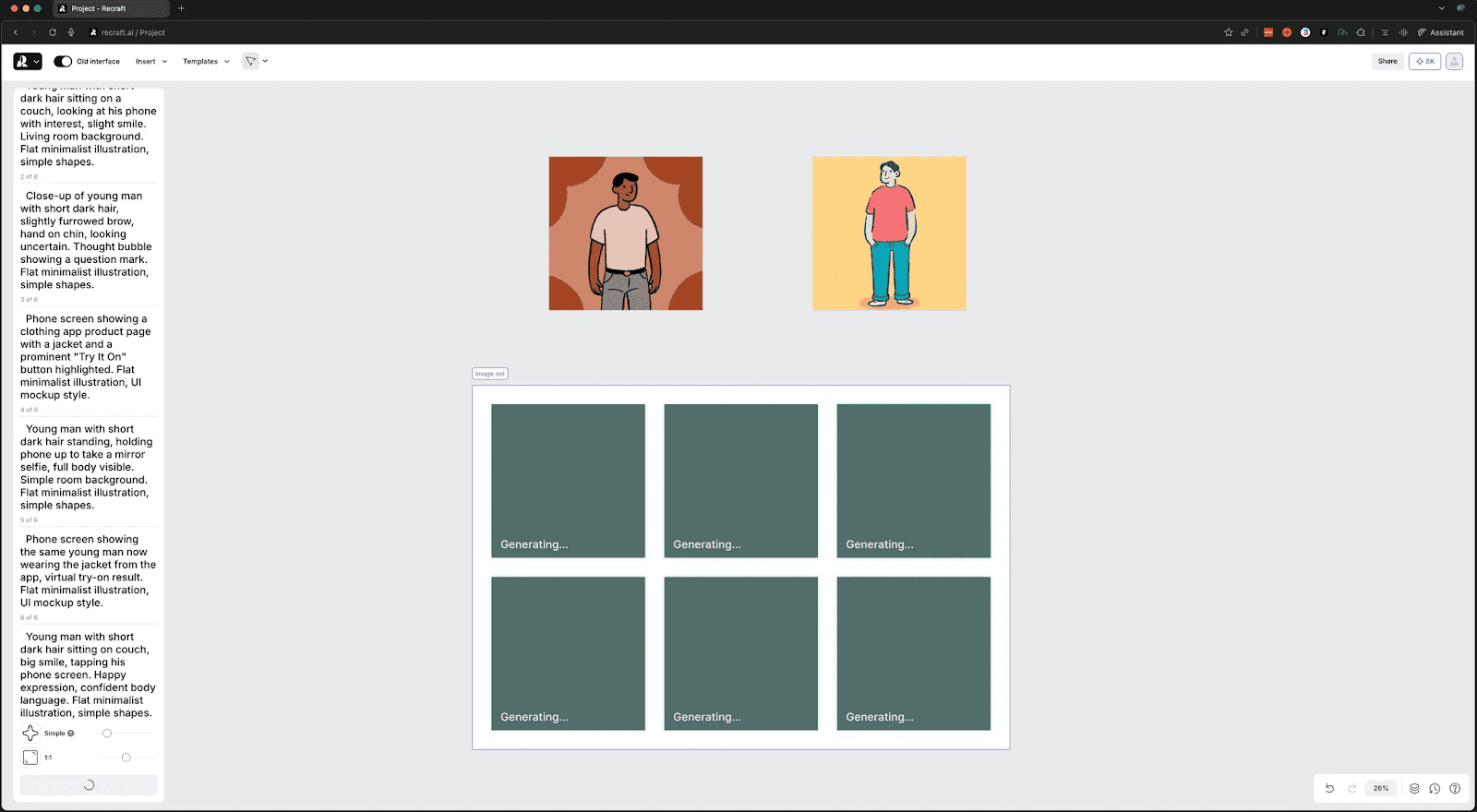
Six frames, same character throughout, flat illustration style.
The kind of thing you'd use to quick-pitch a workflow.
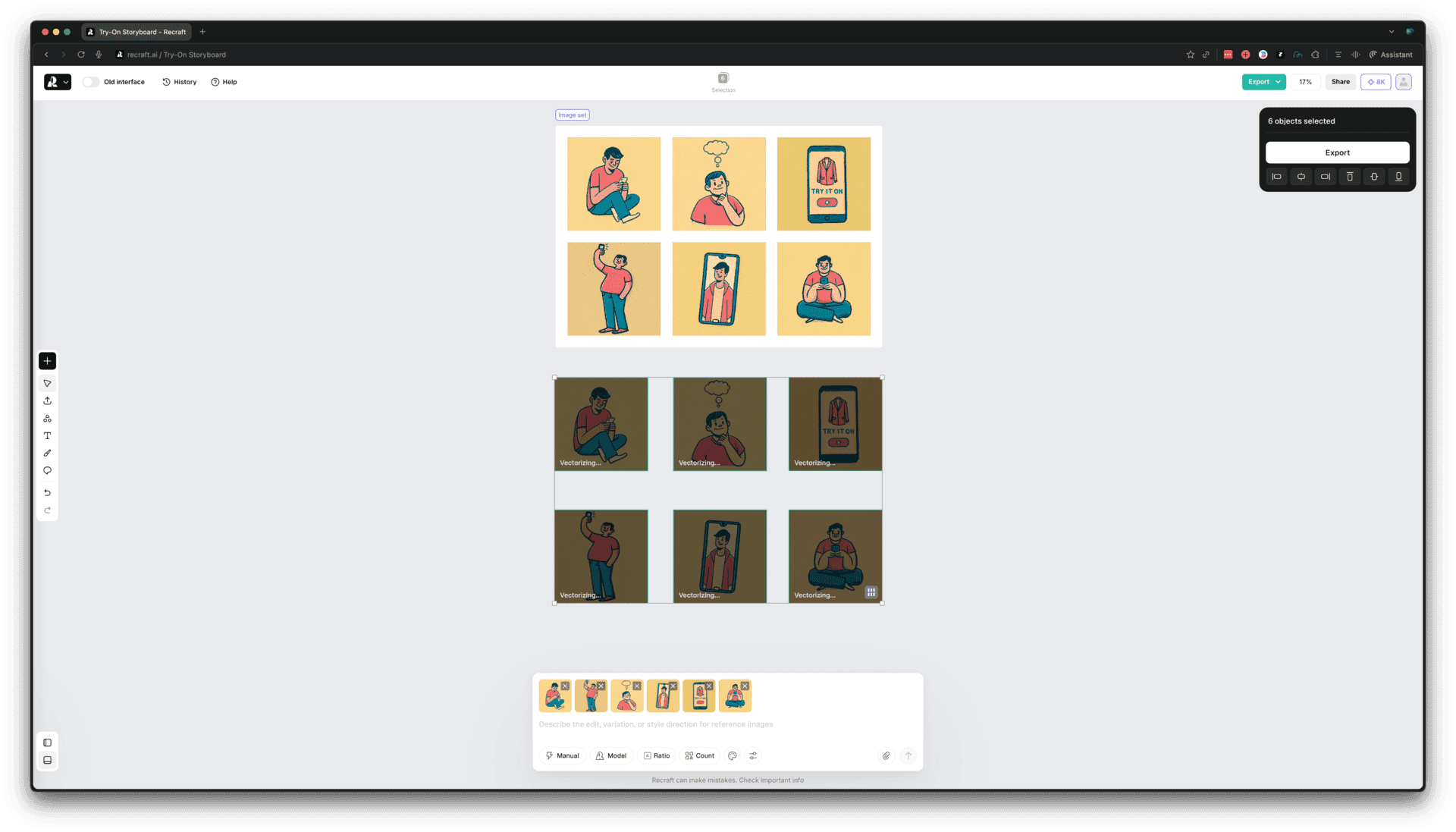
Style consistency held. Character consistency didn't. We had a different person in each frame.
We tried identical prompts, reference images, and dialing down the artistic settings. Got closer but not all the way there.
Example prompt we tried:
Create an image from the POV of the camera sitting at a bar along the window at a coffee shop in Seattle, Washington. The camera is looking down at a MacBook Pro 16-inch computer with their hand on the touchpad. This image is going to be used as a mock-up, so make the screen of the MacBook Pro white. Make the image hyper-realistic and be optimized to be able to place an image on the laptop
And then the follow-up to correct it:
Recreate this image, but adjust the laptop screen to be completely straight on and flat to the camera. It will be used for a mockup and needs to be flat
We ended up comping the final version manually, using the generated frames as a base.
This concepting is also something I saw happening at Soren Iverson’s studio.
I was impressed watching Austin Ranson quickly sketch up a character on his iPad and import it into the image gen to use as a base reference.
I’m seeing more and more of these handcraft → generate → handcraft loops.
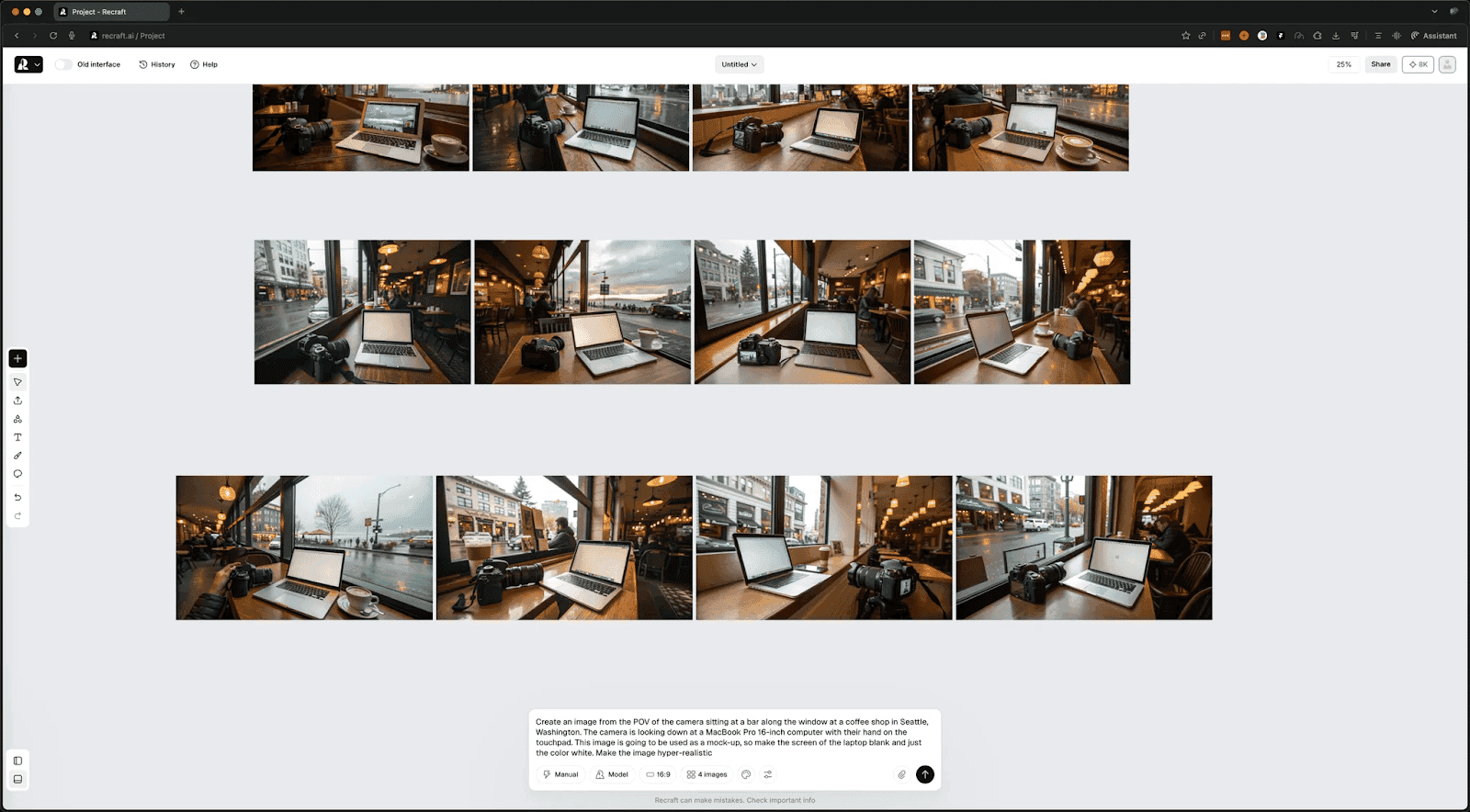
Mockups were similar. Flat surfaces work great: t-shirts, mugs, screens facing the camera.
Angled perspectives get weird. Phone at 45 degrees and the UI doesn't warp to match. We tweaked them manually to get it right.
These examples demonstrate two things:
How designing with generative AI invites randomness
How randomness can be beneficial with the right interface
Where It Fits
It’s pretty clear what Recraft is focused on doing especially well.
It's for production assets. Commercial work. Icons that scale. Illustrations that match brand systems. Graphics you can actually use without a cleanup step.
Anna Dorogush founded it. She built CatBoost, one of the most used ML libraries out there. Their V3 model held #1 on Hugging Face for five months before anyone knew who made it.
If you want more control, Pro starts at $12/month and unlocks private projects, commercial usage rights, 4K upscaling, and access to external models like Nano Banana, GPT-4o, and Flux. That flexibility matters when you want consistent results across a project.
We'll keep it in rotation.
See you next week,
Tommy