Tools
Tommy Geoco

3 ways MagicPath closes the design-to-code gap
In this post
001. Three ways in, one way out
002. Quick Hits
Happy Wednesday.
I've been saying the design-to-code gap gets meaningfully smaller this year. Not solved. That's been promised too many times. But smaller in ways that matter.
MagicPath shipped something this week that got 4K bookmarks in two days. Designers are losing their minds over it.
Here's what actually happened.
– Tommy (@designertom)
Three ways in, one way out
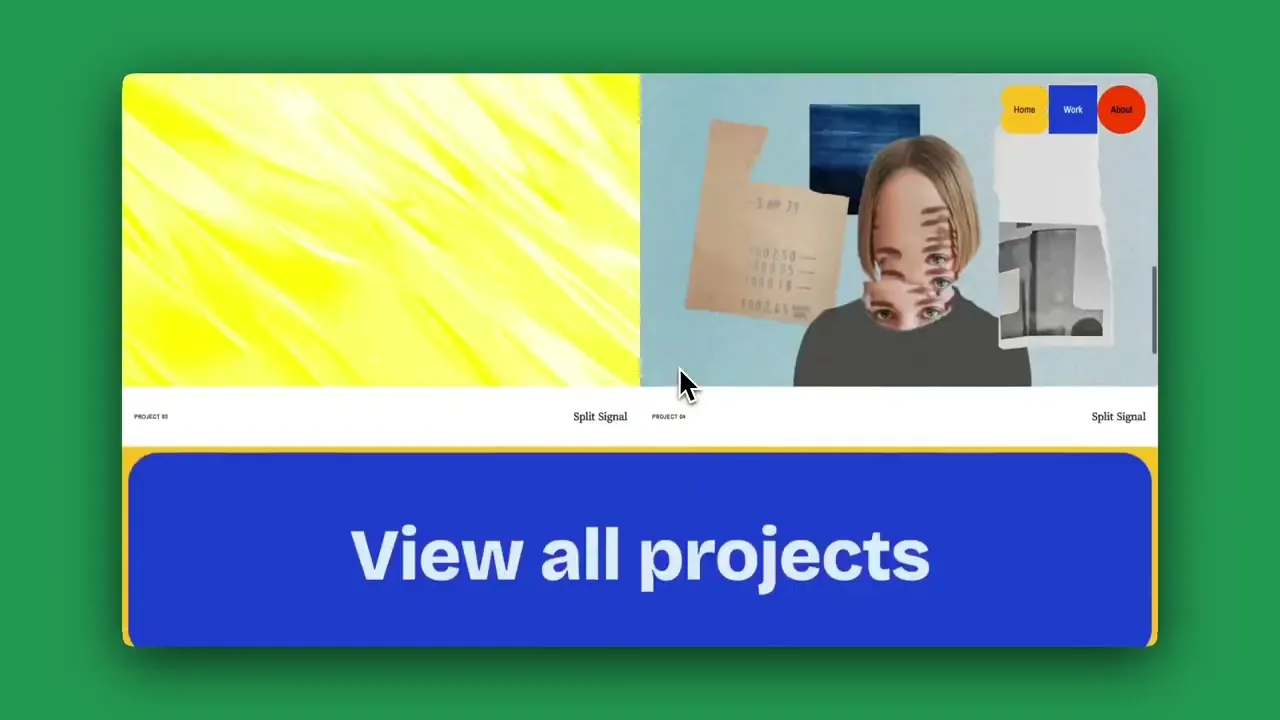
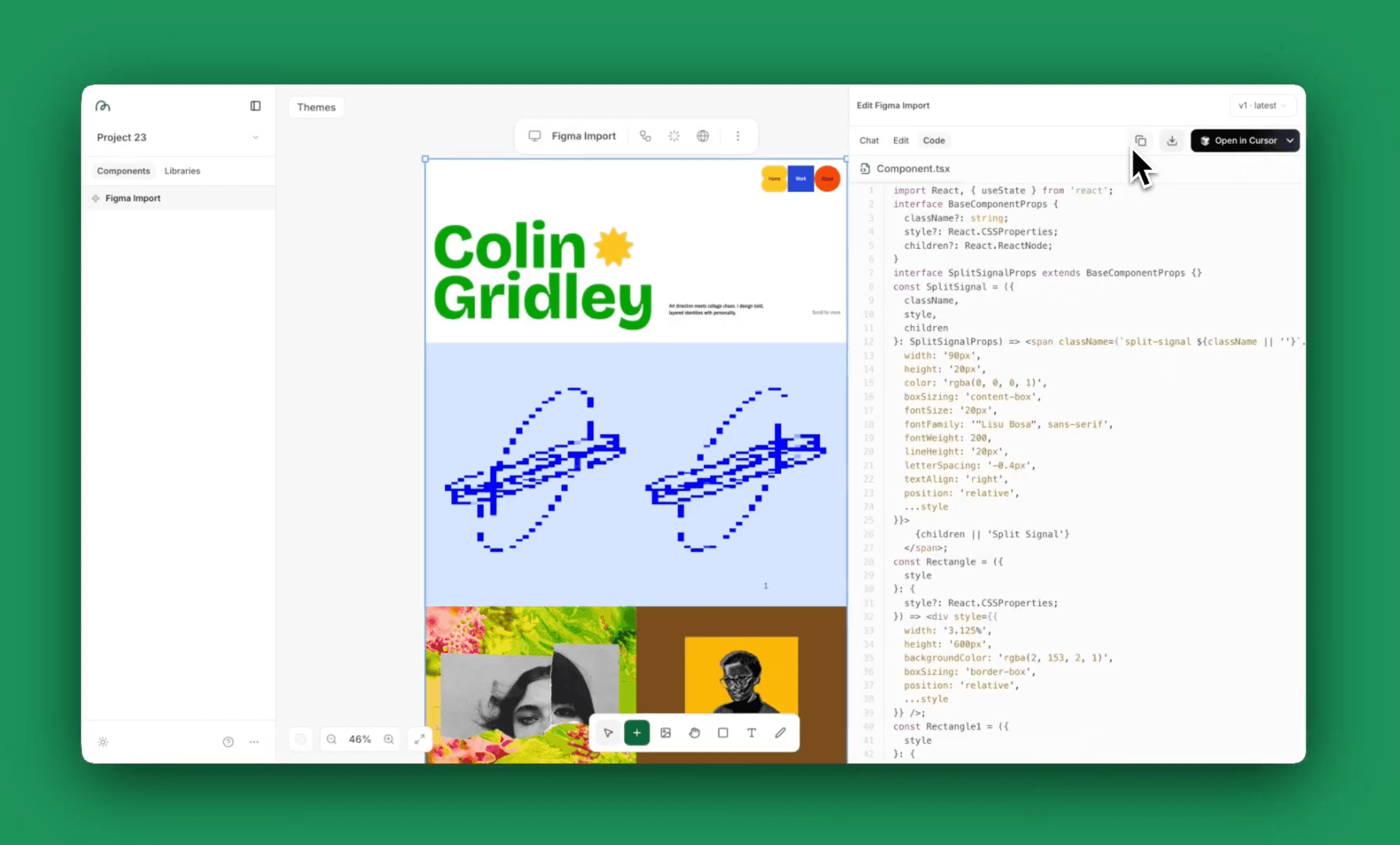
MagicPath Figma Connect
Pietro Schirano posted a demo on Monday showing Figma files getting pasted directly into MagicPath and coming out as interactive prototypes.
It blew up, nearly 1M views. 177 comments in the first thread alone.
Dann Petty tested it and said it's "the ONLY AI design tool so far that actually nailed replicating the design from my Figma file."
That's not a guy who says nice things about tools that don't deserve it, so we dug in.
Way in #1: Your Figma files
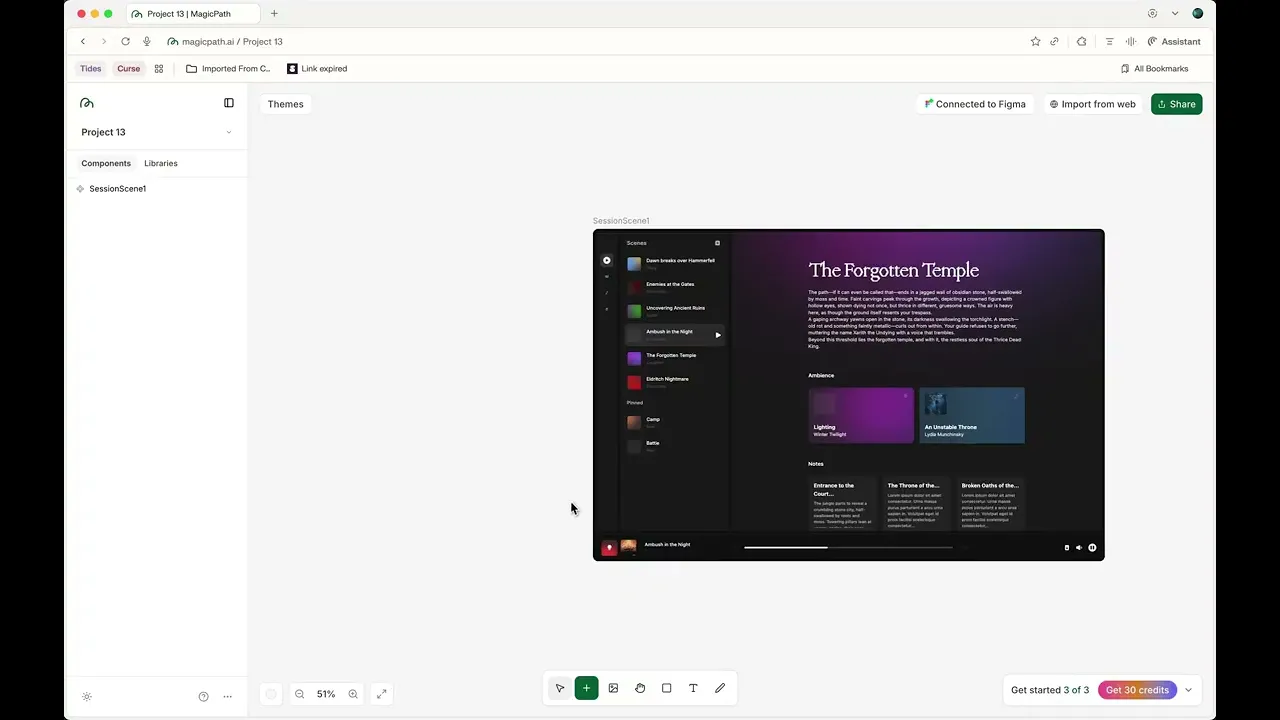
Using MagicPath with Figma Connect
Most teams have years of work sitting in Figma. Every other design-to-code tool wants you to start from scratch in their world, which defeats the entire point for a lot of use-cases.
MagicPath lets you import what you already have. The screens, the details, the craft you put into it. Wire them into flows and export real code.
Pietro said designs were getting converted within 48 hours of launch. Not demo projects. Real Figma files from real teams.
I’m interviewing him on the show today. (Lee Black’s episode just dropped)
Way in #2: Your live product
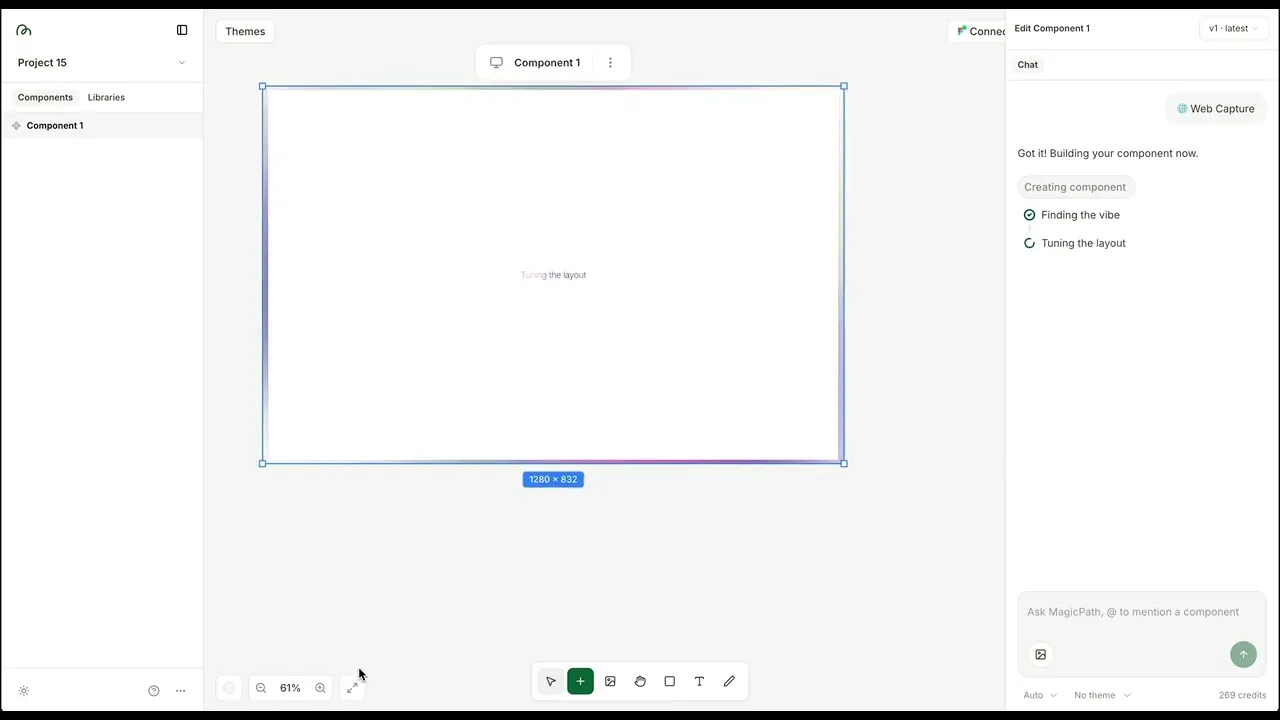
Using MagicPath with Web Copy
Web Capture grabs working components from live websites (not screenshots) and drops them onto your canvas.
I tried this on our soon-to-launch talent network Osmosis, and I was thoroughly impressed.
My product already lives in the browser.
Instead of recreating it in another tool, I was able to capture what I’d already shipped and start building on top of it with MagicPath’s canvas.
This is the feature that reframes everything for me. You don't start from blank. You start from what's live. This is the workflow that I’ve been waiting for from design tools.
Way in #3: A prompt
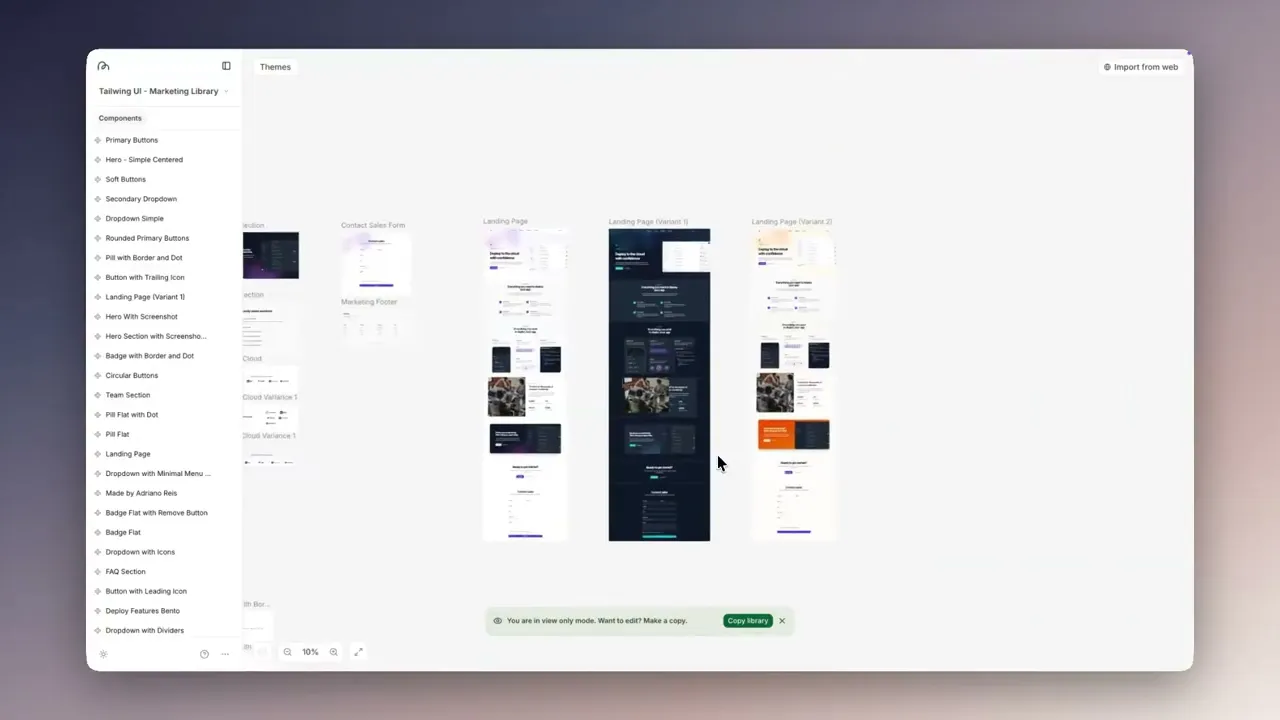
Designing in MagicPath
Describe what you want, get interactive UI with real states and navigation.
You’re probably familiar with this one.
The underrated part: you can import your Figma variables or pick from prebuilt design systems (they have ones modeled after OpenAI, Airbnb, Claude), so everything inherits your tokens.
The AI output actually looks like your product instead of a generic Tailwind template.
One way out: Real code
All three entry points live on the same canvas. All three output production-ready code.
It's the layer between design and engineering where things actually become functional before you've opened a terminal.
At this point, I’m declaring 2026 the year we’ll see “roundtripping” perfected (moving back and forth between code and canvas).
Who should try this
Product teams and design engineering teams who are tired of the handoff dance.
If you think in components and your team moves fast, MagicPath fits. The Figma import alone is worth 20 minutes of your time if you have designs sitting around doing nothing.
Skip it if you don't have a design system yet or your workflow is mostly visual exploration without code on the other end.
When Dann Petty and a few thousand designers are excited about the same tool in the same week, I pay attention.
The tooling is finally starting to live up to the hype (and don’t get me started on AI agents with Moltbolt).
Quick Hits
Figma Glass got better. New splay control for light refraction, individual corner rounding, full variable support. Small stuff, but the kind that signals Figma still cares about craft. The glass effects have been limited since launch. This fixes most of it.
Kimi K2.5 just topped DesignArena. The new model beat Gemini 3 Pro and Claude Opus 4.5 by a decent margin, and it's leading in 8 categories. The score is hard to ignore, and we’ll be testing it soon.
Cursor added semantic search. Codebase indexing is apparently way faster now. The infrastructure race behind AI coding tools is where the real competition is playing out. Features copy easily. Speed and accuracy at scale do not.
That's it for this week.
What's your current design-to-code workflow? Still doing manual handoffs, or have you found something that actually works?
See you next week.
Tommy