Techniques
Tommy Geoco

How these designers are learning today
In this post
001. What I Learned From "Toolbenders"
002. The Bottleneck Is Flipping
003. Worth Studying
004. Quick Hits
005. The Bottom Line
Happy Thursday.
I’m living in a bubble.
My feeds are full of people building things with AI coding tools. My DMs are full of shares. The last eight people to text me were about something they'd made. Yesterday, my 16-year-old was excited to show me a landing page he'd created.
I ran a poll asking if people had vibe-coded something. I heard about: Figma plugins for bulk variable syntax. macOS menubar apps for time tracking and auto-invoicing. AI triage tools for inboxes. Drag-and-drop interaction playgrounds. One person built a searchable conversation notes app in AR.
Even so, I understand this is not every designer’s reality.
But if you’re so inclined, you might be able to build whatever you think up. Without writing any code.
“The laptop is the new garage.” - Mike Smith
– Tommy (@designertom)
What I Learned From “Toolbenders”
We launched a new video series. I asked you to send me something you made, the tools you used, and how. No case studies. Just the work and the process.
Three submissions stood out. What connected them was what they did when the tools didn't work.
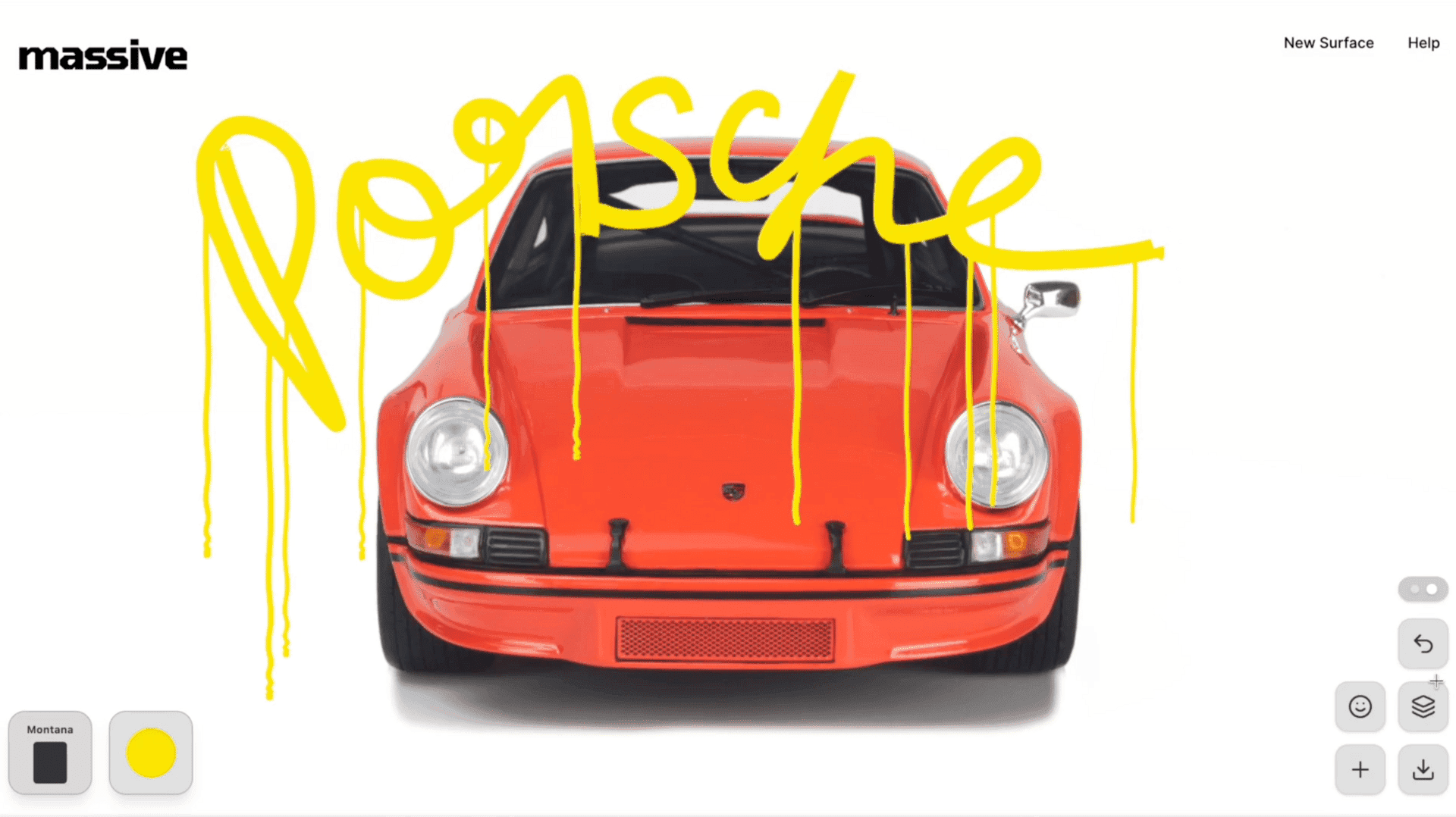
One built a browser-based paint marker simulating real ink physics. Started with an AI coding tool, hit weird artifacts, and could have stopped.
Instead he went generate → capture what worked (and what didn’t) → plan in Figma → iterate. He studied actual Krink pens on YouTube and codified what he observed into properties.
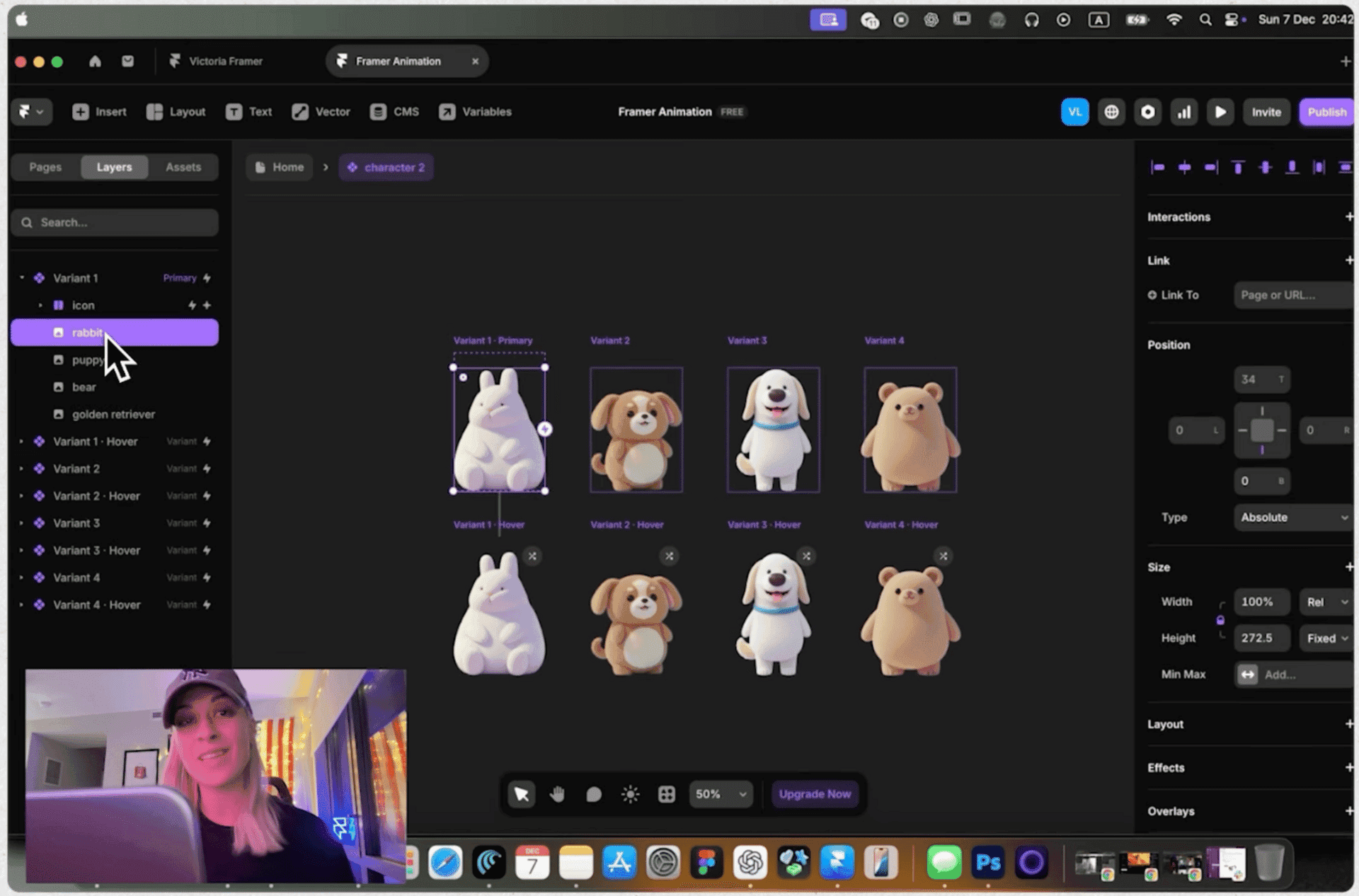
Another used a node-based image editor to create assets as drafts, not finals, then brought them into Framer to test motion and interactions.
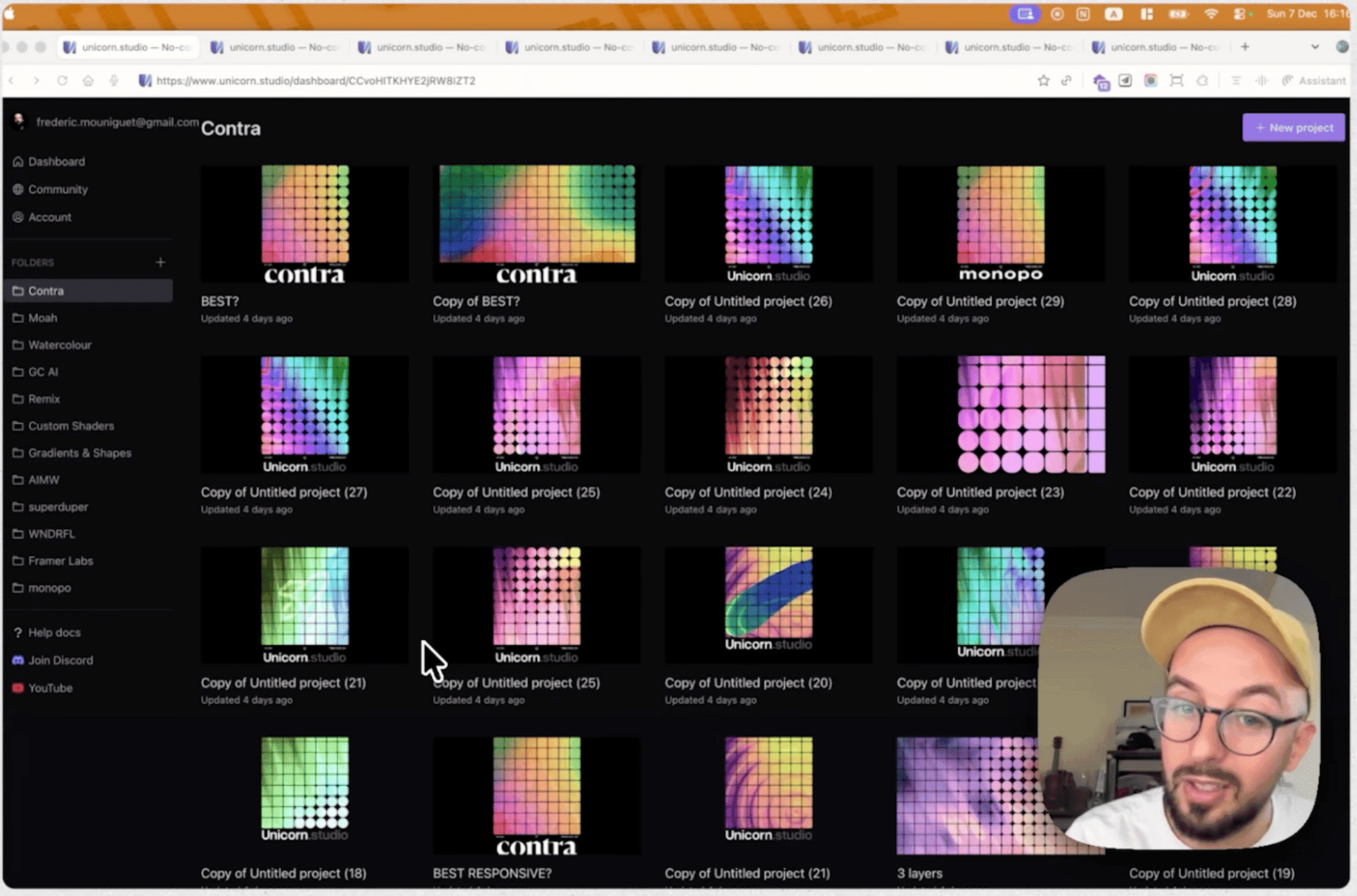
The third rebuilt a piece of branding he admired from scratch. Just to understand it. He called the process "soothing". When you're recreating something to learn, the win condition is clearly defined.
TOGETHER WITH DAZL
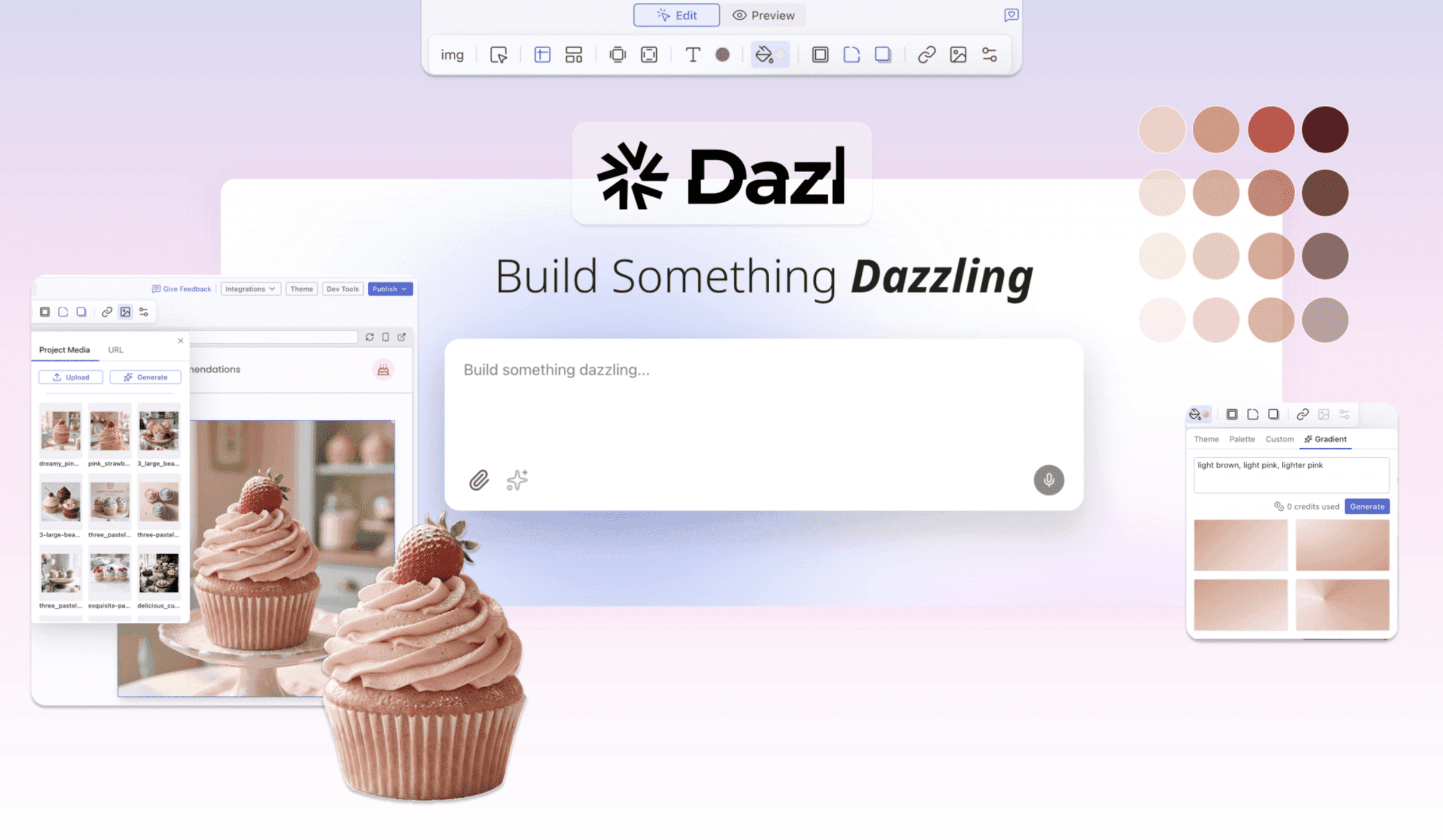
The vibe-coding honeymoon ends when you try to change something specific and realize you have very little control of what you just built.
Dazl is for what comes after.
AI chat, visual editor, code view, console—one tab. Prompt to generate, then refine it yourself: toggle states, adjust grids, drag fonts into the file tree.
We built the Toolbenders submission tracker in it. Didn't need to leave the platform.
Use code DazlxTommy for 1-month free
The Bottleneck Is Flipping
The loop matters more than the tool. The interesting work isn't prompting and accepting. It's generate, evaluate, plan, iterate. Notion is seeing designers ship code indistinguishable from senior engineers.
Disposable tools are a design practice now. People are building multiple apps a day to solve personal problems. Not startups. Solutions with a shelf life of maybe a week. The pattern: identify friction, build something, move on.
Knowing when to stop is getting harder. The loops are tighter. You can spin forever. Taste isn't just knowing what to do, but with the variability of generative AI, it's also knowing when to stop.
Worth Studying
Dilum Sanjaya has been reskinning his robotics simulator into a Leonardo da Vinci style.
Same functionality, completely different feel. It's a good exercise: take one thing and see how many ways you can dress it.
Also worth clicking through his Fortnite-inspired character select screens and Meta SAM3 experiments.
Quick Hits
“Infinite Design Canvas for Claude Code” just launched. Haven’t tried it, but we’ll be testing it soon.
The Rise of AI “Agents”. I counted five relevant entries this month. The serious ones: Craft Agents, Clawd.bot, Vercel's Skills.
Open source is feeling pressure. Some projects are closing external PRs because submissions are largely AI-generated with no understanding behind them.
The inference pricing squeeze is coming. Anthropic is tightening usage for heavy users. If you're burning tokens fast, expect the economics to shift.
The Bottom Line
That's it for this week.
Still collecting Toolbenders submissions. If you're making something cool with your tools, I want to see it. Reply with a 3-5 minute video walkthrough of how you made it.
See you soon,
Tommy