Techniques
Tommy Geoco
Interfaces that rearrange for each user
In this post
001. A model that only picks
002. Live today on Dive Radio
Happy Thursday.
TypesafeAI shipped a model called Jev last week.
We’d put out a call for tool-bending workflows for today’s Dive Radio, and within days Jev experiments were coming in from Teddy Ni, Jonathan Moore, Kshitij Agrawal and Saamraj Bath.
Jev only picks. Give it a situation and options you’ve already defined, and it chooses one in well under a second, for almost nothing.
And if you put that inside a product’s interface, it can rearrange itself for based on user context.
– Tommy (@designertom)
STATE OF DESIGN JOBS SURVEY
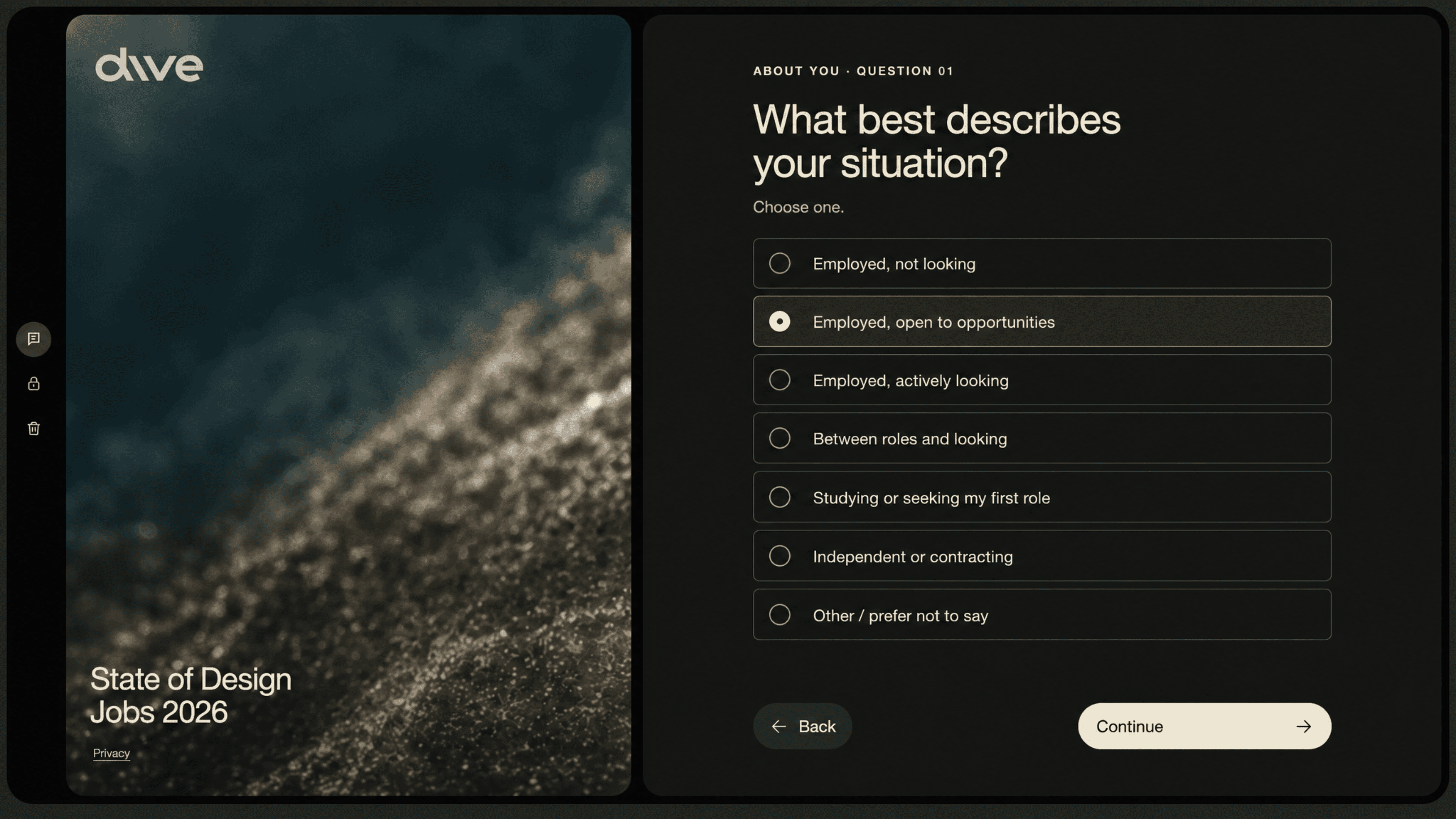
Take the State of Design Jobs survey
Models change every week. Jobs change slower than that, and Ridd and I would rather measure them than guess. If you do design work, tell us what it looks like right now.
With your help, we’ll be publishing the open report this November.
Share your experience of design work →
A model that only picks
Teddy Ni at MagicPatterns ran the obvious test first. On his comparison, Jev doesn’t add much over what Haiku 4.5 can already do, but it’s 4.4x faster and 56x cheaper.
Then he searched the Magic Patterns codebase for a use and said it felt like being “a hammer looking for a nail.” One experiment checks whether the component you’re about to build already exists. It answers in under a second, cheap enough to run on nearly every code change.
At that price you stop rationing decisions. A choice you’d normally make once and ship to everyone can be made again for every visitor, while they use the product.
Kshitij, who runs AI Design, prototyped a homepage that asks what brought you here and reshapes itself around the answer. Change the answer and the rest of the page follows. He said it’s “really close to generative UI.” Most homepages change when somebody files a ticket.
I’ve been calling this just-in-time UI. The screen rearranges around whoever is using it, from parts you already built.
Jonathan Moore wired Jev to a microphone and edits UI by talking, with most responses back in about half a second. But there’s a catch, and he’s plain about it: “It’s not great at inventing brand new design.” Inside a design system with clear definitions, it can make decisions in real time.
Just-in-time UI can only get as personal as the parts you bothered to build.
So look for the screens in your product that are really a choice between things you already have. The default sort on a list. The order of your onboarding steps. Anything decided once, the same way for everyone. That’s where this shows up first. Then check your design system: if the parts aren’t clearly defined, there’s nothing good to pick from. Anywhere you’d need a screen nobody has designed yet, you’re still the one designing it.
Live today on Dive Radio

Ridd and I go live today at 1 PM Pacific to talk about design, the latest models, new education, and Jev workflows for designers.
If your product has a screen that should be picking for each visitor, reply and tell me which one.
Watch live on YouTube today at 1 PM Pacific.
— Tommy